DeadlinesE-Invoicing by Dec 31, 20262026 Computerized Books in ORUS by Jan 30, 2027E-Invoicing Dec 31 · ORUS Jan 30

Check Readiness
TechNext

Odoo Discuss in Singapore & the Philippines

Discuss gives your team channels, messages and calls that stay linked to the records they are about, with notifications gathered in one inbox. We set up your channels and train your people.

Odoo Ready Partner

Works withApprovalsIoTPhoneKnowledge

Odoo Discuss in one paragraph

Odoo Discuss: chat, channels and notifications. TechNext, an Odoo Ready Partner headquartered in Singapore with teams in the Philippines and Vietnam, sets it up on a staging copy of your database, migrates your data, trains the people who use it and supports it after go-live.

Odoo 20 records Discuss calls and summarises what was said, adds polls, channel categories and favourite channels, and shows when a colleague is on a call in the Phone app. What changed in Odoo 20.

See it on my data How we set it up

How a message moves through Odoo Discuss.

Sample messages run through Odoo Discuss the way TechNext sets it up: 5 states, the exceptions and loops that really happen, and the hand-offs into CRM, Project and Phone. Hover a state to see what happens there.

Odoo Discuss · message lifecycleSample records · 5 states · 3 hand-offs
In progress
0
Completed
0
Exceptions
0
Hand-offs
0
  1. PostedIn a channel or on a record
  2. Mentioned@person notified
  3. ActivityScheduled with a deadline
  4. DoneMarked done, feedback logged
  5. HistoryKept in the chatter

Exceptions and loops

  • Overdue: shown in red

What TechNext configures

  • Activity types with default deadlines
  • Channels per team
  • Email in and out of the chatter

Main path: Posted → Mentioned → Activity → Done → History.

Sample records. Your stages, rules and hand-offs are configured in discovery.

Talk to a compliance engineer How we set it up for you

Discuss in action.

Official Odoo videos. Nothing loads until you press play.

Get my custom blueprint See Discuss on your own data, as a plug-in in your system.

Discuss, section by section.

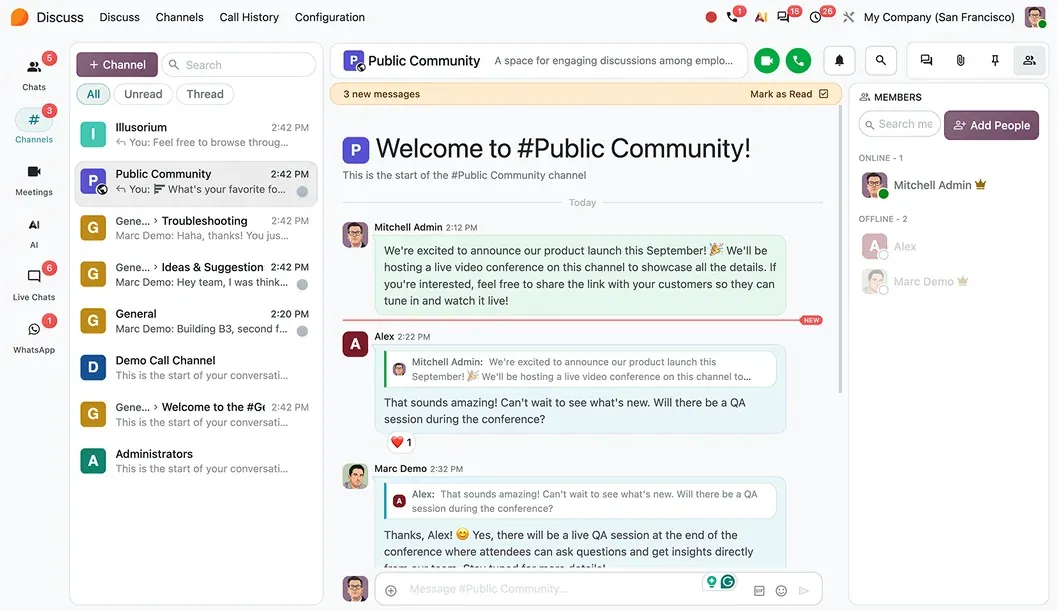
The product as Odoo presents it. TechNext configures each part to your process.

Odoo Discuss — One inbox for everything

One inbox for everything

Messages, mentions, activities, approvals, and notifications all in one place. Stay focused on what needs attention, with important updates in one list.

Odoo Discuss — Ask. Find. Act.

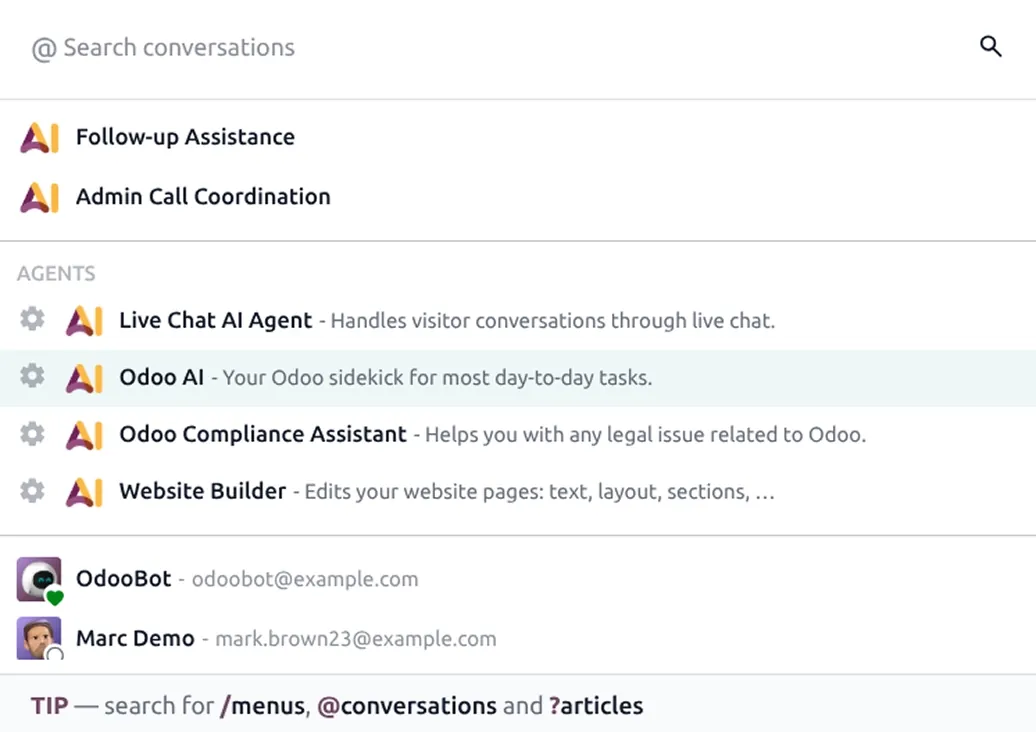
Ask. Find. Act.

Need an answer or a file? Find information, summarize conversations, and take action in seconds with AI. Keep your team focused while AI handles the searching, summarizing, and answering.

Work together without switching tools

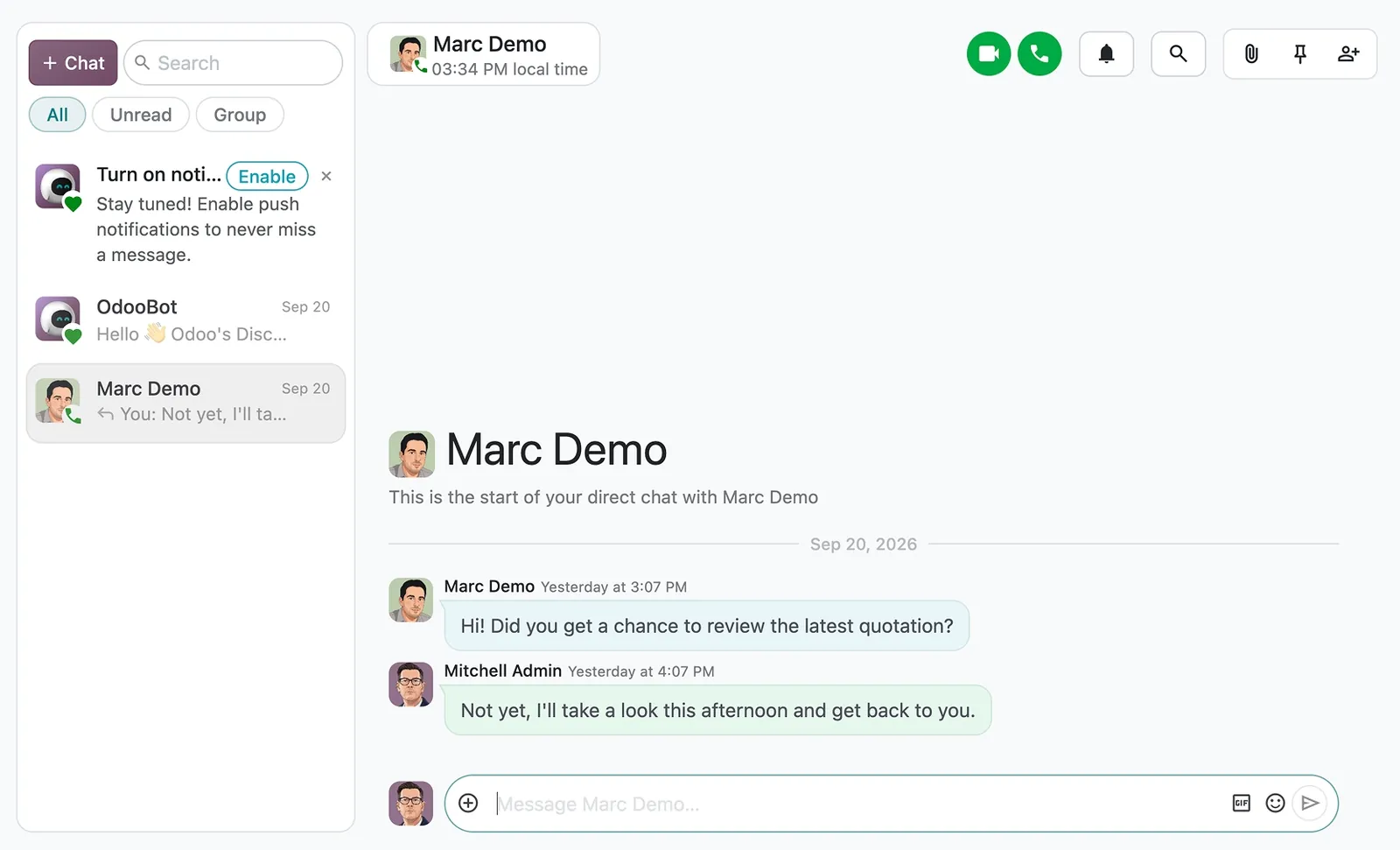
Discuss keeps conversations connected to your work, so every team stays aligned from the first message to the final result. Create channels, send direct messages, or share company-wide announcements to keep everyone connected.
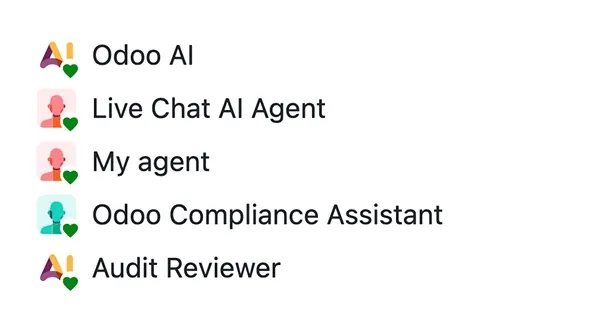
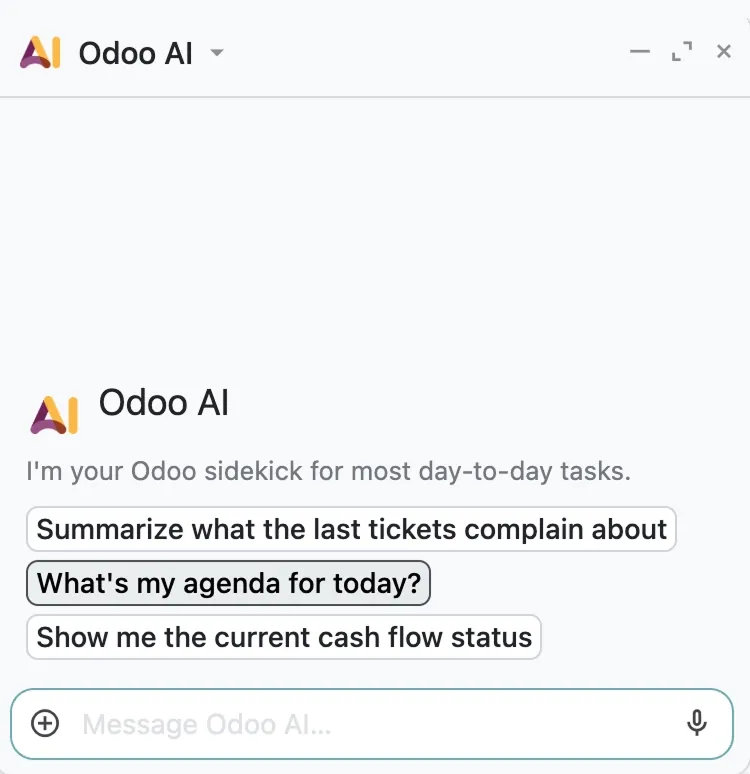
Make meetings even more efficient with AI

Record and transcribe meetings with AI in the sidebar. Explore every decision, share key takeaways instantly, and spend less time taking notes.

  • Record the call

How we set it up for you

Inside the app.

Odoo Discuss screenshot 1
Odoo Discuss · screenshot from odoo.com
Odoo Discuss screenshot 2
Odoo Discuss · screenshot from odoo.com

How we set it up for you

Discuss, configured to how you work.

Standard Odoo first. We set it up on a staging database, migrate your data, train your team and stay on after go-live.

  1. Discovery: we map how the process runs today and match it to the app
  2. Configuration on a staging database, checked against real records
  3. Training for the people who will use it, on your own data
  4. Support after go-live: fixes, changes and upgrades

Apps that share the same database.

All Odoo apps

Product descriptions, screenshots and videos are © Odoo S.A., reproduced for reference from odoo.com. TechNext is an Odoo Ready Partner; we implement and support Odoo.

Put Discuss to work for your BIR requirements.

Keep the system you run today. Our own experts add Discuss as a plug-in in your system and quote it in writing first.