


 One phone system, inside Odoo
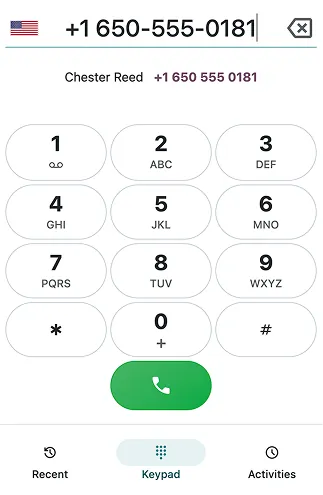
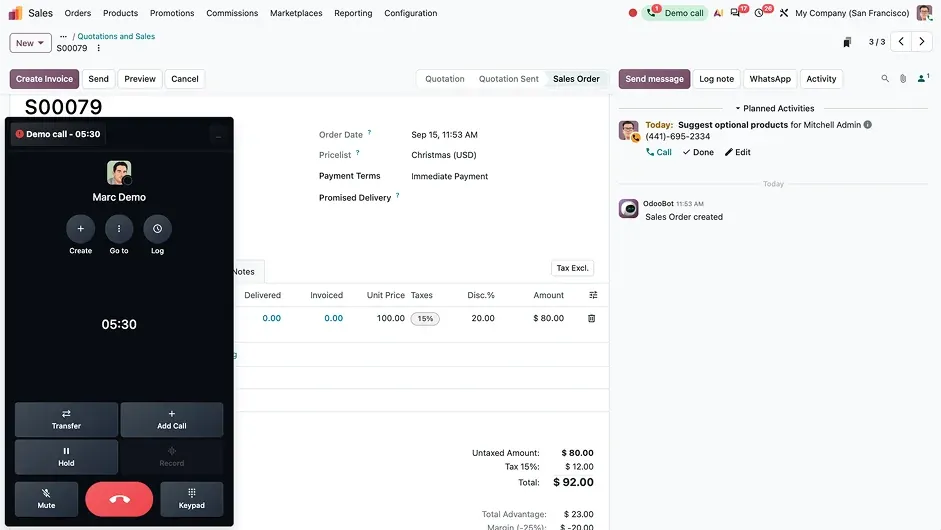
Calls run over the internet from Odoo itself, so there is no separate phone system for your team to learn.
DeadlinesE-Invoicing by Dec 31, 20262026 Computerized Books in ORUS by Jan 30, 2027E-Invoicing Dec 31 · ORUS Jan 30
Check ReadinessOdoo Phone makes and logs calls from inside Odoo, so each call opens the customer's record, with a call flow designer for menus and queues. We set up your numbers and call flows and train your team.
Odoo Phone: calls over VoIP from inside Odoo. TechNext, an Odoo Ready Partner headquartered in Singapore with teams in the Philippines and Vietnam, sets it up on a staging copy of your database, migrates your data, trains the people who use it and supports it after go-live.
Odoo now calls this app Phone. In Odoo 20, a call flow designer builds menus, extensions and time- or location-based steps for incoming calls, a user can choose which of several numbers to call from, and calls move between devices without dropping. What changed in Odoo 20.
Sample calls run through Odoo Phone the way TechNext sets it up: 5 states, the exceptions and loops that really happen, and the hand-offs into CRM, Helpdesk and Discuss. Hover a state to see what happens there.
Exceptions and loops
What TechNext configures
Main path: Incoming → Answered → Logged → Follow-up → Closed.
Sample records. Your stages, rules and hand-offs are configured in discovery.
Official Odoo videos. Nothing loads until you press play.
Get my custom blueprint See Phone on your own data, as a plug-in in your system.
The product as Odoo presents it. TechNext configures each part to your process.
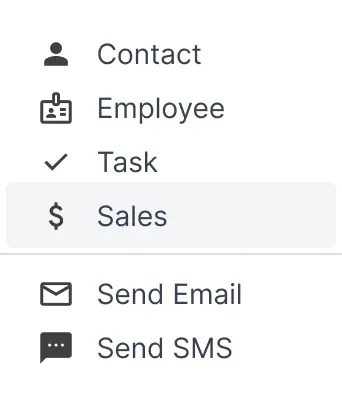
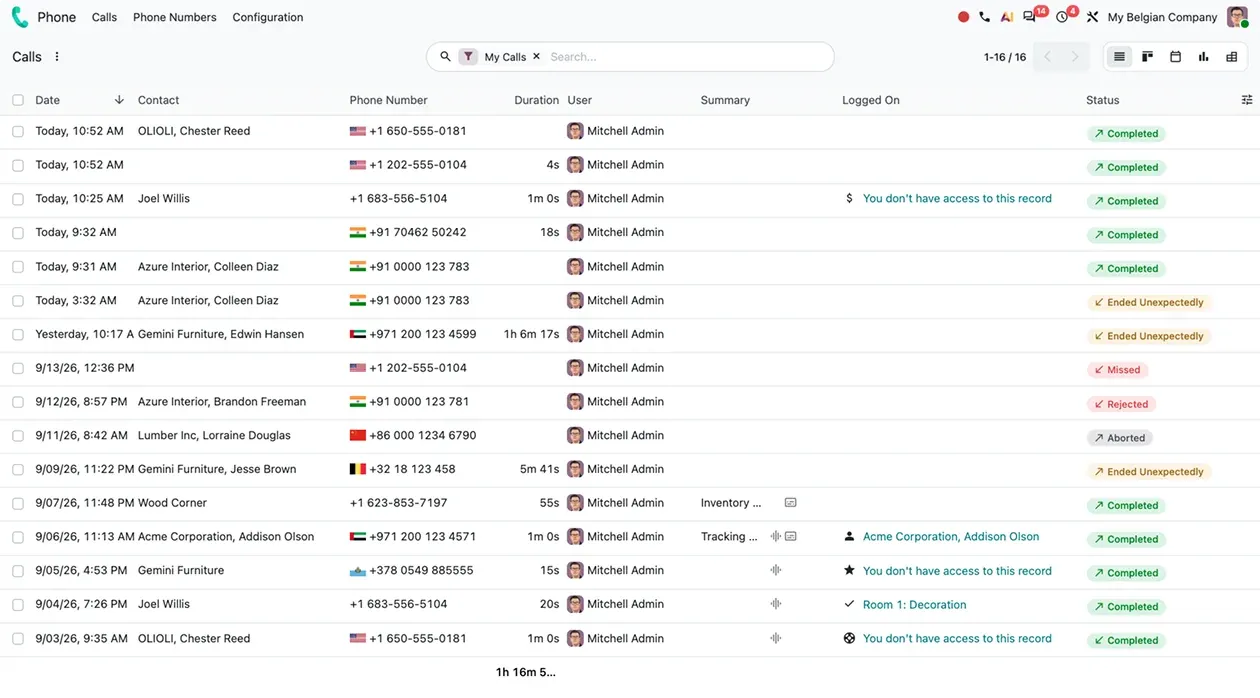
Launch calls directly from CRM, Helpdesk, Contacts, and more, with instant access to the related records and documents. Calls are automatically logged, so you'll easily have the details where you need them.

Log the call once, and Odoo's integrated artificial intelligence puts the recording, transcript, and one-line summary right where you need them.
One phone system, inside OdooCalls run over the internet from Odoo itself, so there is no separate phone system for your team to learn.
Design call flowsDrag, drop, and connect call actions (e.g., menus, queues, voicemail, time conditions) around how your business actually runs. Route callers to the right person automatically, and update the whole thing yourself in minutes.
Standard Odoo first. We set it up on a staging database, migrate your data, train your team and stay on after go-live.
 KnowledgeWiki pages linked to records.
 WhatsAppTemplates and conversations.
 AIAssistants and agents inside Odoo.
 DiscussChat, channels and notifications.
 AccountingJournals, bank sync, tax reports and closing.
 SalesQuotations, orders and upsells.
Product descriptions, screenshots and videos are © Odoo S.A., reproduced for reference from odoo.com. TechNext is an Odoo Ready Partner; we implement and support Odoo.
Keep the system you run today. Our own experts add Phone as a plug-in in your system and quote it in writing first.
2027 BIR Audit Guide · sent by our team
Four details. A BIR Compliance Expert sends the guide to your work email within one business day. Inside: the eLA rules, the 10-day document rule, what examiners ask for, and a routine for audit requests.