
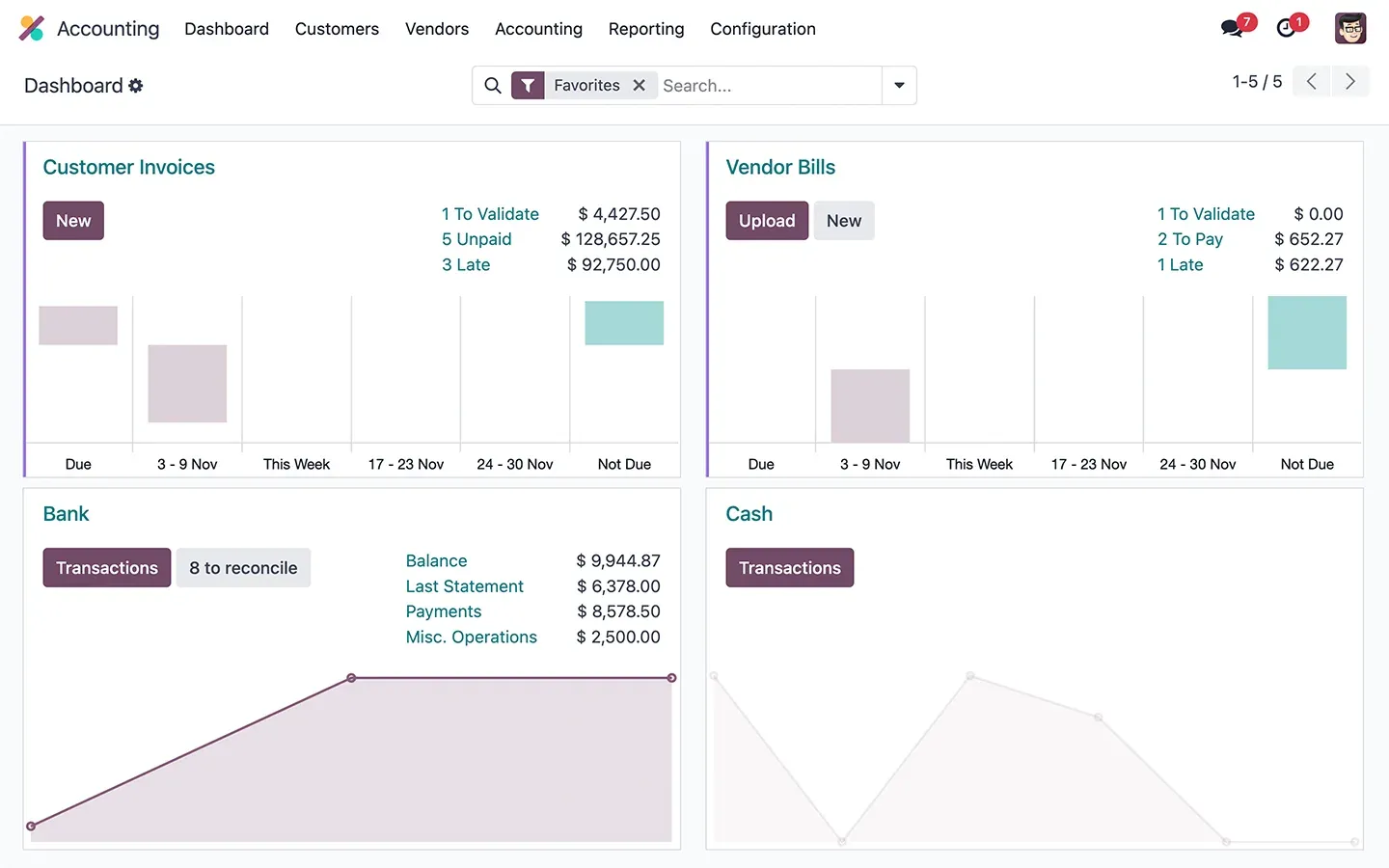
 Enjoy the mobile experience
Your mobile companion. Take pictures of your expenses, and let the Artificial Intelligence do the rest!
DeadlinesE-Invoicing by Dec 31, 20262026 Computerized Books in ORUS by Jan 30, 2027E-Invoicing Dec 31 · ORUS Jan 30
Check ReadinessOdoo Accounting keeps books, bank reconciliation, tax reports and month-end close in one database. We configure it, migrate your opening balances and train your team, and for Philippine companies we set it up for BIR requirements: 2307 per payee, SLSP, SAWT and QAP as DAT files, and the 2550Q.
Odoo Accounting: journals, bank sync, tax reports and closing. TechNext, an Odoo Ready Partner headquartered in Singapore with teams in the Philippines and Vietnam, sets it up on a staging copy of your database, migrates your data, trains the people who use it and supports it after go-live.
Odoo 20 replaces account groups with parent accounts (account codes become optional) and suggests bill lines from past bills. Every entry that touches a bank account must now come from a bank transaction, and a bank reconciliation summary shows what is reconciled at period end. Odoo 20 by country.
TechNext sets up Odoo Accounting for BIR requirements: books set up for your own CAS or CBA registration, 2307 and 2306 certificates, and SLSP, SAWT, QAP and 2550Q reports from your own entries. No accounting software is BIR-accredited, so we first check which rules apply to your company.
Read Odoo in the Philippines and How to register Odoo as your CAS or CBA.
What this app prepares Sample data
Every step below lands in the same ledger in Odoo Accounting. The entries are sample data; your own accounts, taxes and journals go in yours.
Odoo Accounting · posting ledger
BalancedInvoices, bills, the bank and the close, in one ledger.
Sample bank statement lines run through Odoo Accounting the way TechNext sets it up: 5 states, the exceptions and loops that really happen, and the hand-offs into Invoicing and Spreadsheet (BI). Hover a state to see what happens there.
Exceptions and loops
What TechNext configures
Main path: Imported → Matched → Reconciled → Period closed → Reported.
Sample records. Your stages, rules and hand-offs are configured in discovery.
Official Odoo videos. Nothing loads until you press play.
See it on my data See Accounting on your own data, as a plug-in in your system.
The product as Odoo presents it. TechNext configures each part to your process.
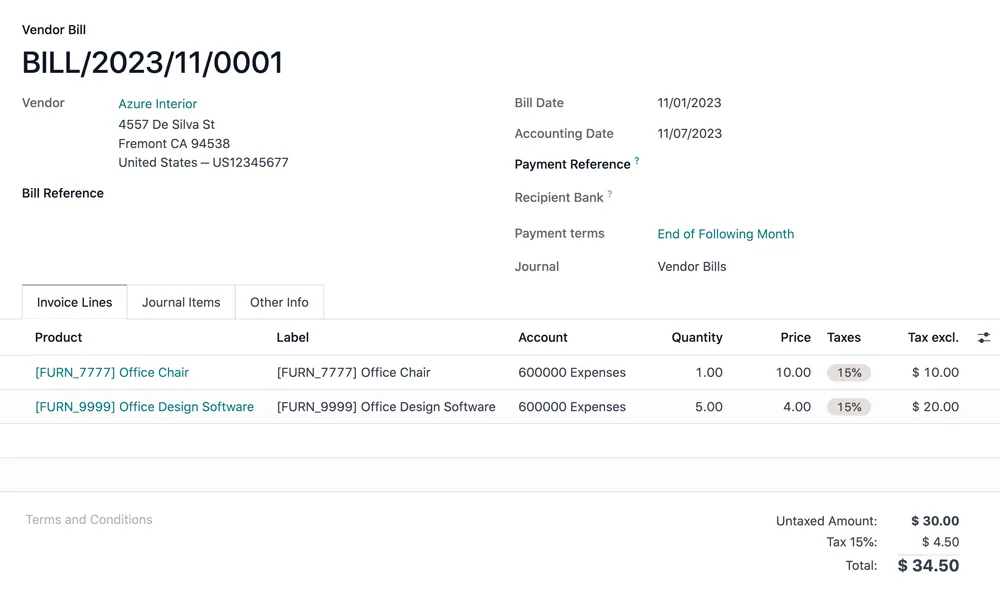
Speed matters . All operations are processed in less than 90 milliseconds, faster than the blink of an eye. It helps accountants do much more in less time.
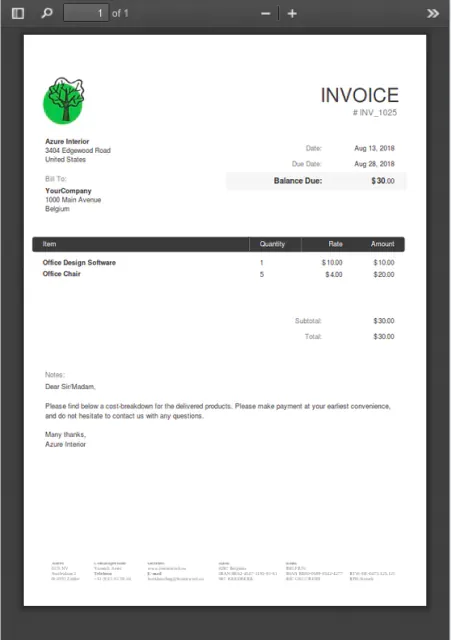
Experience zero data entry. Our advanced AI-powered invoice data capture has a 98% recognition rate. All you have to do is to validate the invoice.
Enjoy the mobile experienceYour mobile companion. Take pictures of your expenses, and let the Artificial Intelligence do the rest!
Smart bank reconciliationNever import bank statements manually again. Odoo integrates with 28,000 banks from all around the world! 95% of the transactions are matched automatically with the financial records.
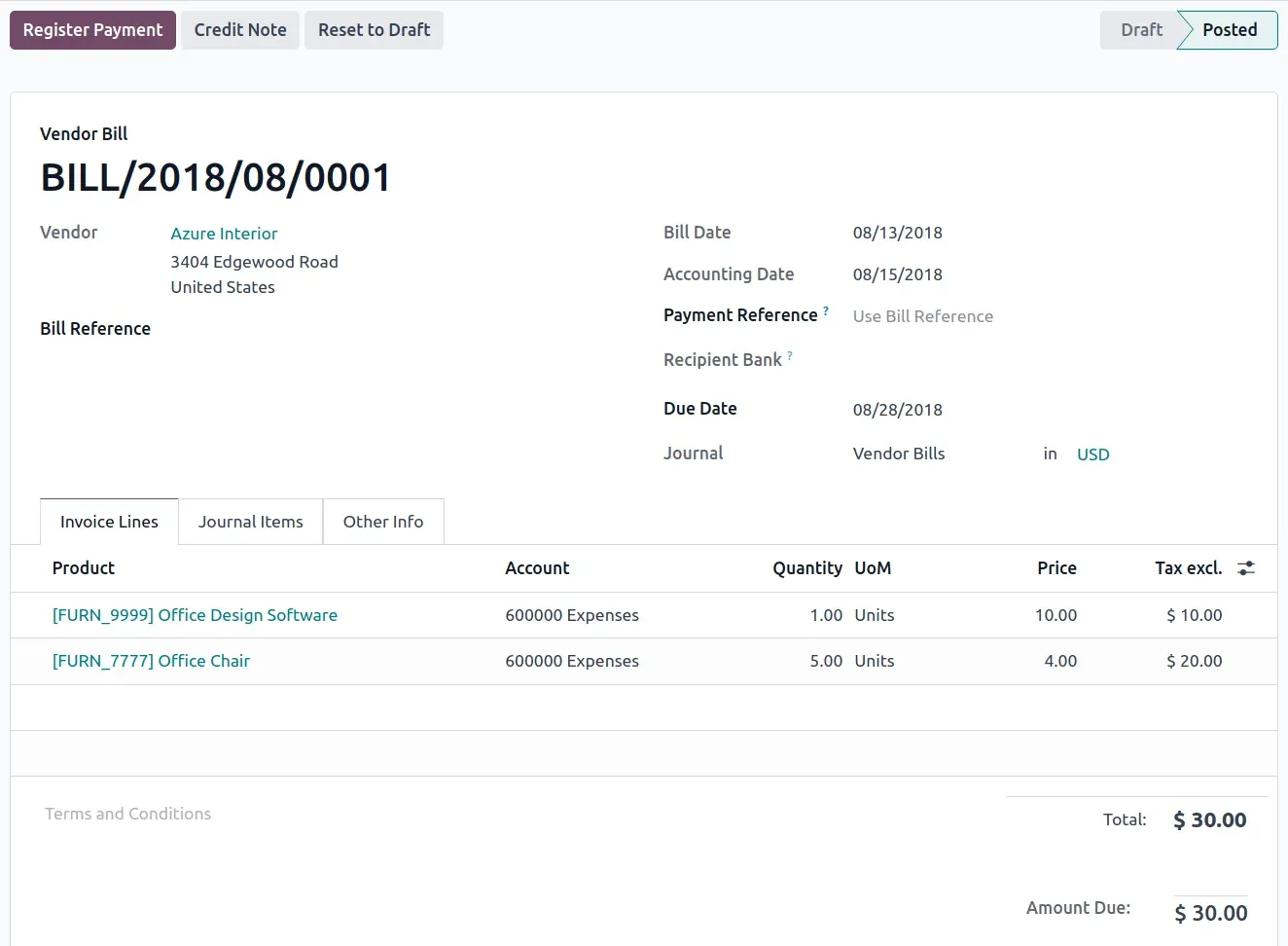
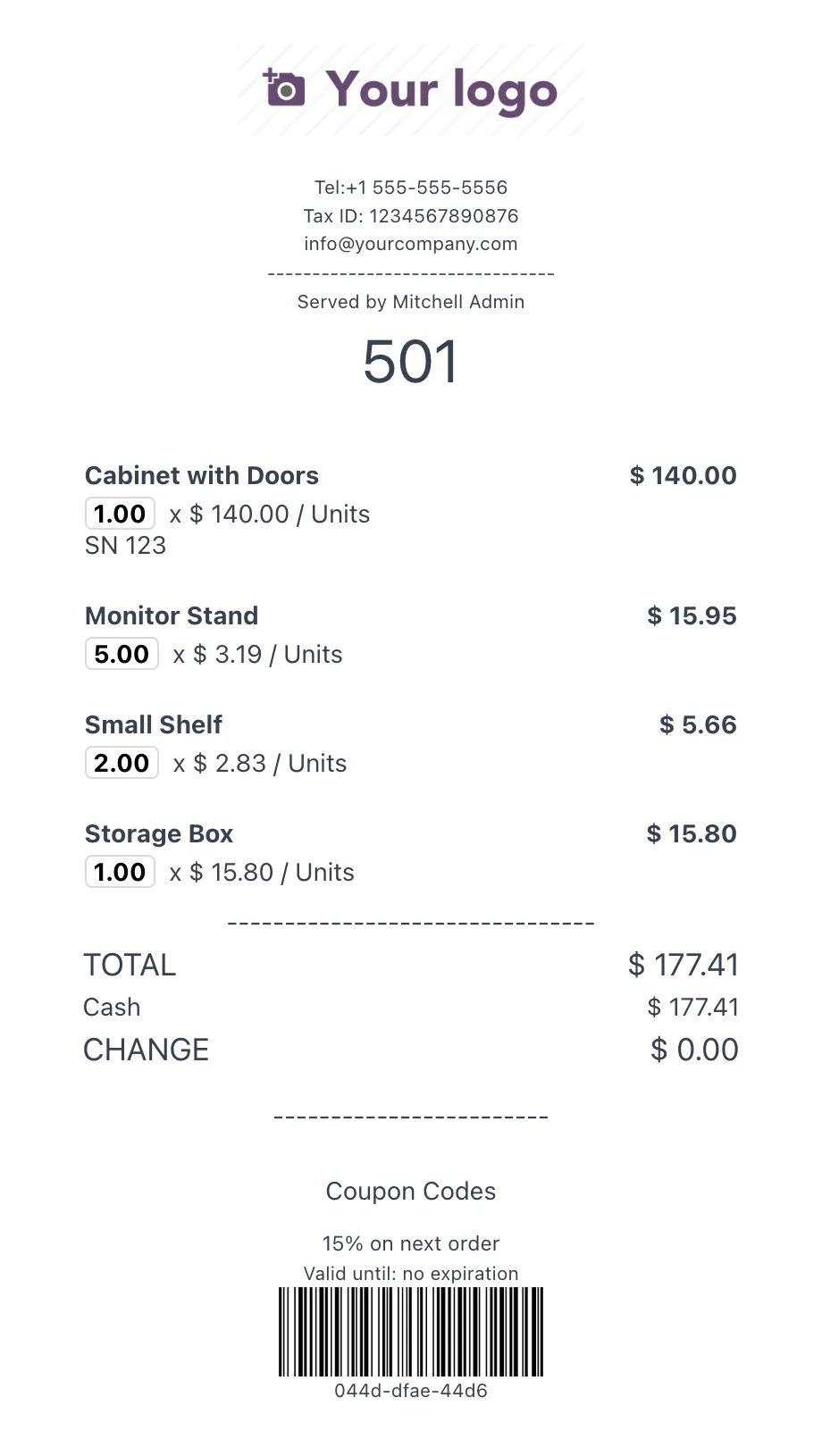
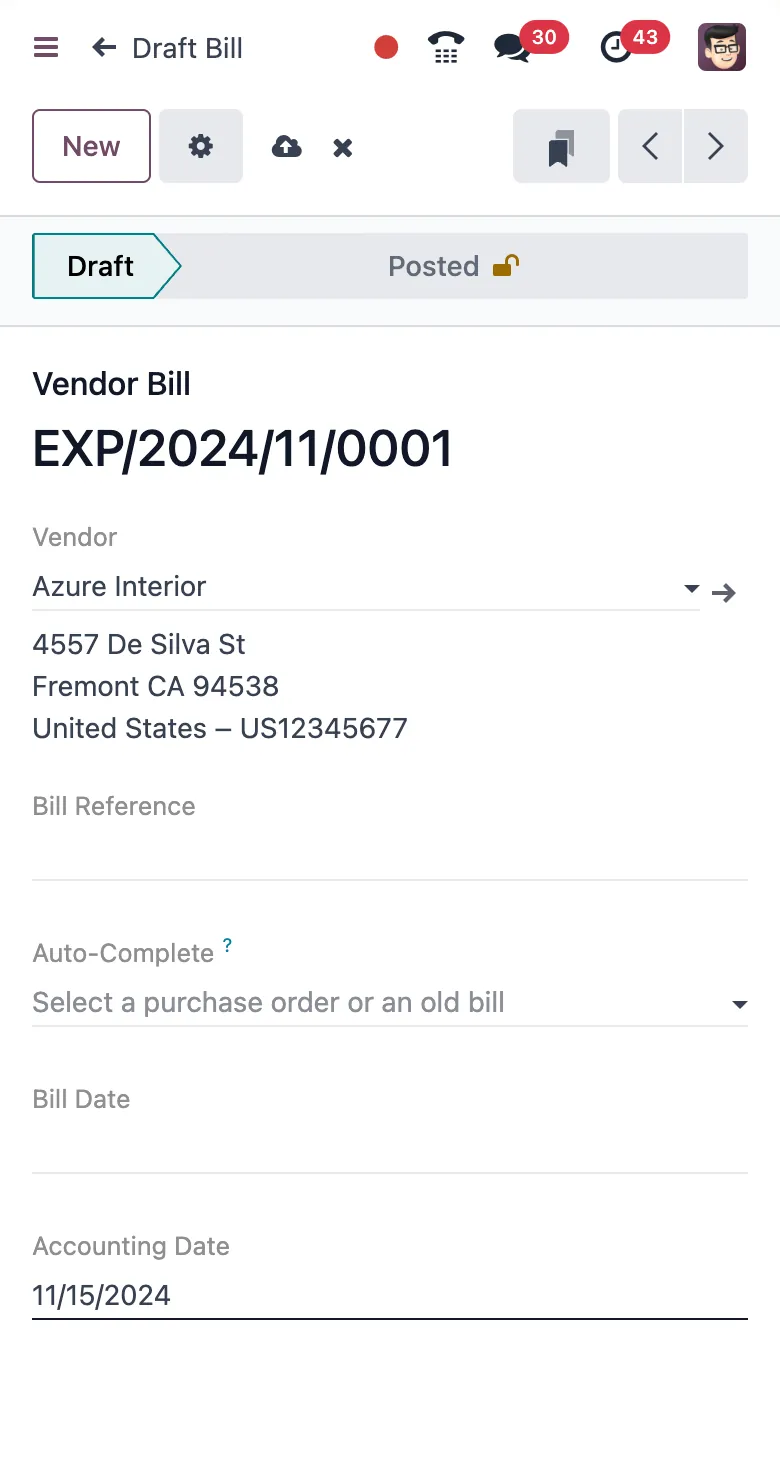
Standard Odoo first. We set it up on a staging database, migrate your data, train your team and stay on after go-live.
 InvoicingSend invoices and collect payments online.
 ExpensesCapture receipts and approve claims.
 Spreadsheet (BI)Live pivots and dashboards on Odoo data.
 DocumentsFile storage with workflows and OCR.
 SalesQuotations, orders and upsells.
 InventoryMulti-warehouse stock, barcodes, replenishment.
Product descriptions, screenshots and videos are © Odoo S.A., reproduced for reference from odoo.com. TechNext is an Odoo Ready Partner; we implement and support Odoo.
Keep the system you run today. Our own experts add Accounting as a plug-in in your system and quote it in writing first.
2027 BIR Audit Guide · sent by our team
Four details. A BIR Compliance Expert sends the guide to your work email within one business day. Inside: the eLA rules, the 10-day document rule, what examiners ask for, and a routine for audit requests.