


 Your website. Future-proof.
Play with amazing features and grow your business. Streamline processes, enhance user experience, and provide a unified system to run and grow your business efficiently.
DeadlinesE-Invoicing by Dec 31, 20262026 Computerized Books in ORUS by Jan 30, 2027E-Invoicing Dec 31 · ORUS Jan 30
Check ReadinessYour team edits pages by drag and drop, with SEO tools built in, and form enquiries land in your CRM. We build or migrate the site on a staging copy, train the people who edit it and support it after go-live.
Odoo Website Builder: drag-and-drop pages with SEO tools. TechNext, an Odoo Ready Partner headquartered in Singapore with teams in the Philippines and Vietnam, sets it up on a staging copy of your database, migrates your data, trains the people who use it and supports it after go-live.
In Odoo 20, the AI website assistant creates pages and forms, changes menus and helps with SEO. Sites can publish an llms.txt file for AI tools, structured data is added by default, and sitemaps list only indexable pages. What changed in Odoo 20.
Sample visitors run through Odoo Website Builder the way TechNext sets it up: 5 states, the exceptions and loops that really happen, and the hand-offs into CRM, Live Chat and Sales. Hover a state to see what happens there.
Exceptions and loops
What TechNext configures
Main path: Landing → Browsing → Engaged → Lead → Customer.
Sample records. Your stages, rules and hand-offs are configured in discovery.
Official Odoo videos. Nothing loads until you press play.
Get my custom blueprint See Website Builder on your own data, as a plug-in in your system.
The product as Odoo presents it. TechNext configures each part to your process.
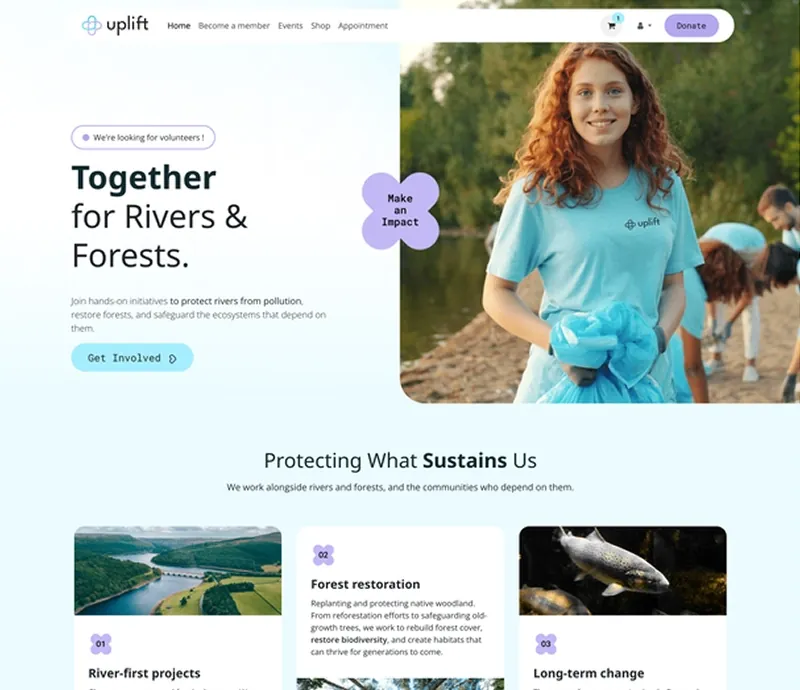
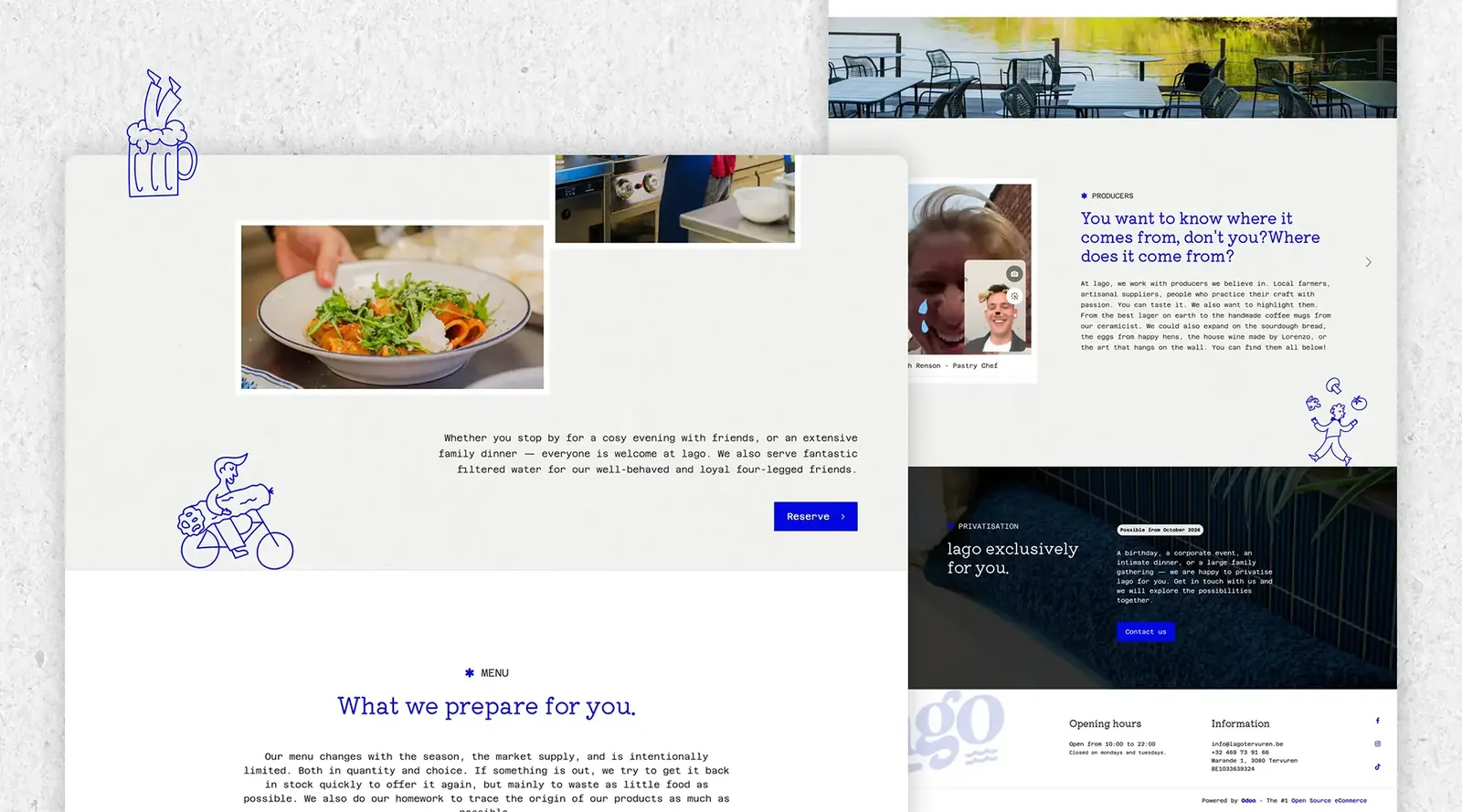
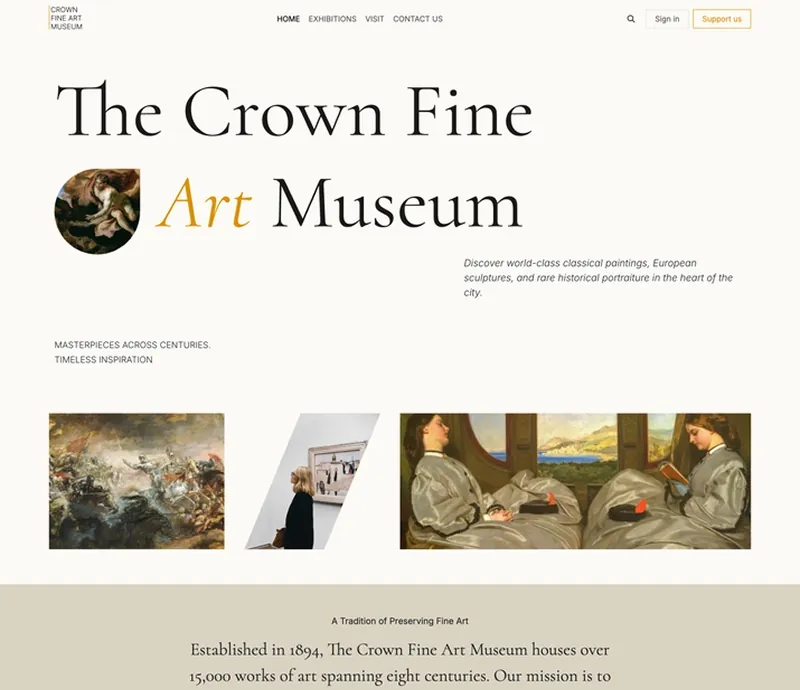
Don't just exist online. Odoo's flexible website builder gives you endless design combinations to stand out from the crowd and drive conversion.

No coding skills? No problem. Odoo's AI-powered website configurator allows you to build a sleek website tailored to your business needs in just four easy steps.
Drag and drop blocks. Make precise adjustments to the layout, add filters and effects to pictures, animate an element... Do all that and more directly on the page.
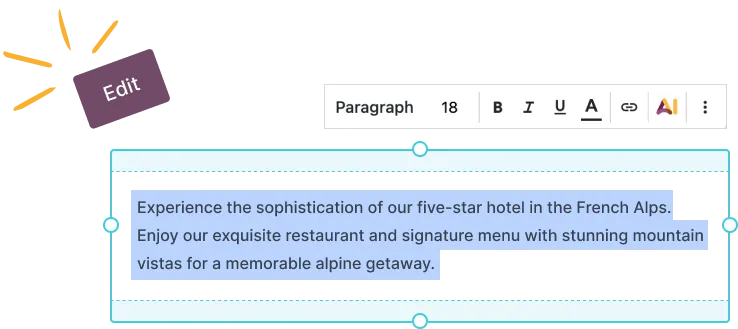
Boost your copy-writing. Ask Odoo AI to generate your website's content from a simple prompt, or improve your current text by applying the right tone.
Your website. Future-proof.Play with amazing features and grow your business. Streamline processes, enhance user experience, and provide a unified system to run and grow your business efficiently.
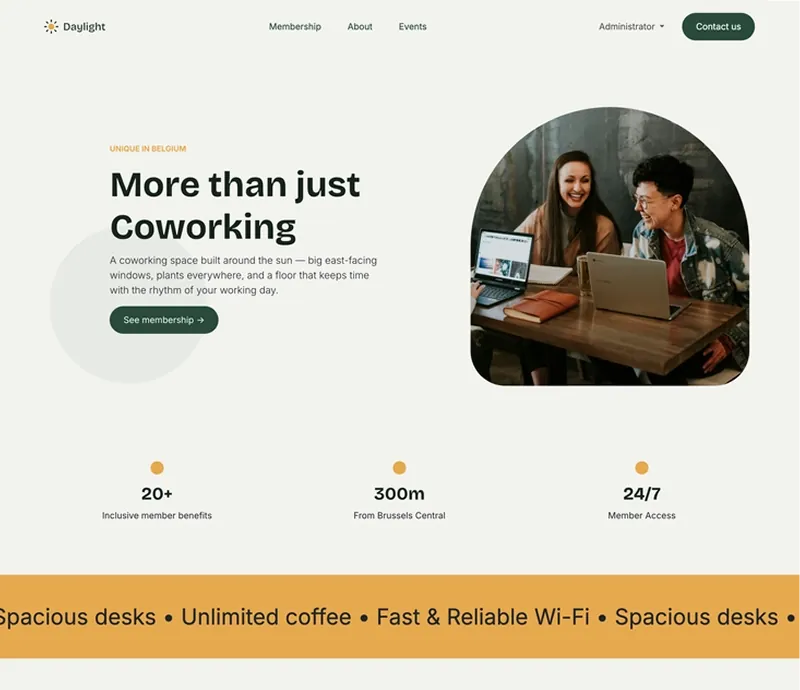


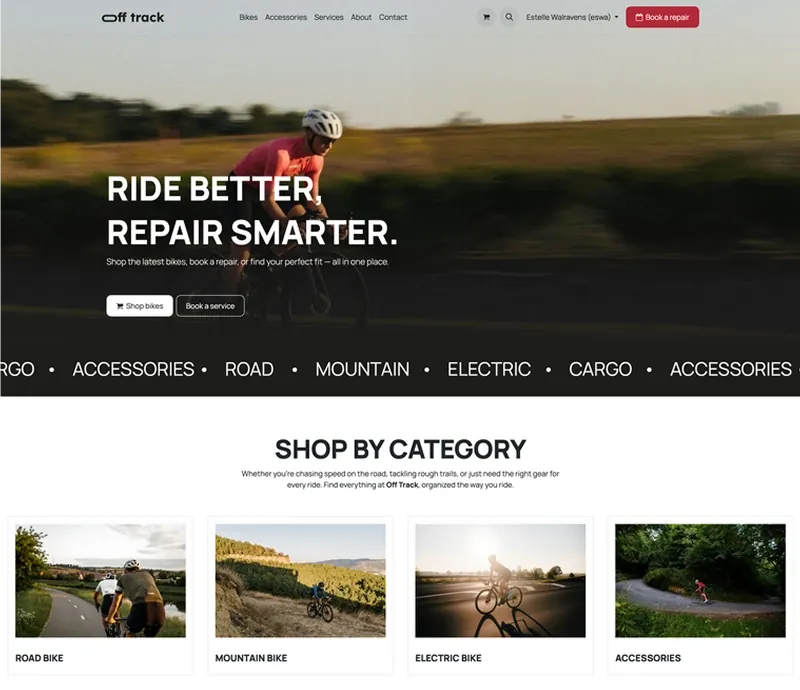
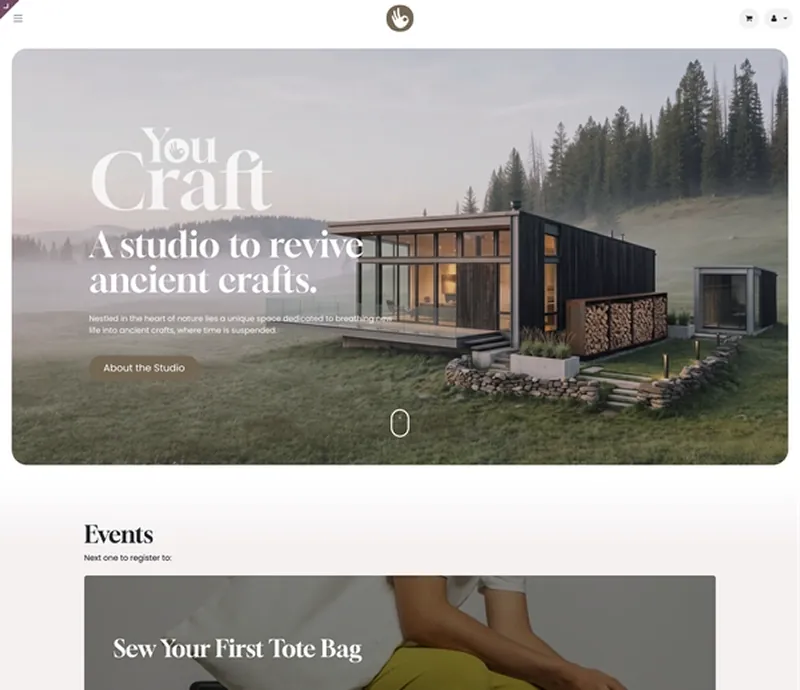
Standard Odoo first. We set it up on a staging database, migrate your data, train your team and stay on after go-live.
 eCommerceOnline store tied to stock and accounting.
 BlogArticles with scheduling and SEO.
 ForumCommunity Q&A.
 Live ChatChat with visitors from Discuss.
 AccountingJournals, bank sync, tax reports and closing.
 SalesQuotations, orders and upsells.
Product descriptions, screenshots and videos are © Odoo S.A., reproduced for reference from odoo.com. TechNext is an Odoo Ready Partner; we implement and support Odoo.
Keep the system you run today. Our own experts add Website Builder as a plug-in in your system and quote it in writing first.
2027 BIR Audit Guide · sent by our team
Four details. A BIR Compliance Expert sends the guide to your work email within one business day. Inside: the eLA rules, the 10-day document rule, what examiners ask for, and a routine for audit requests.