
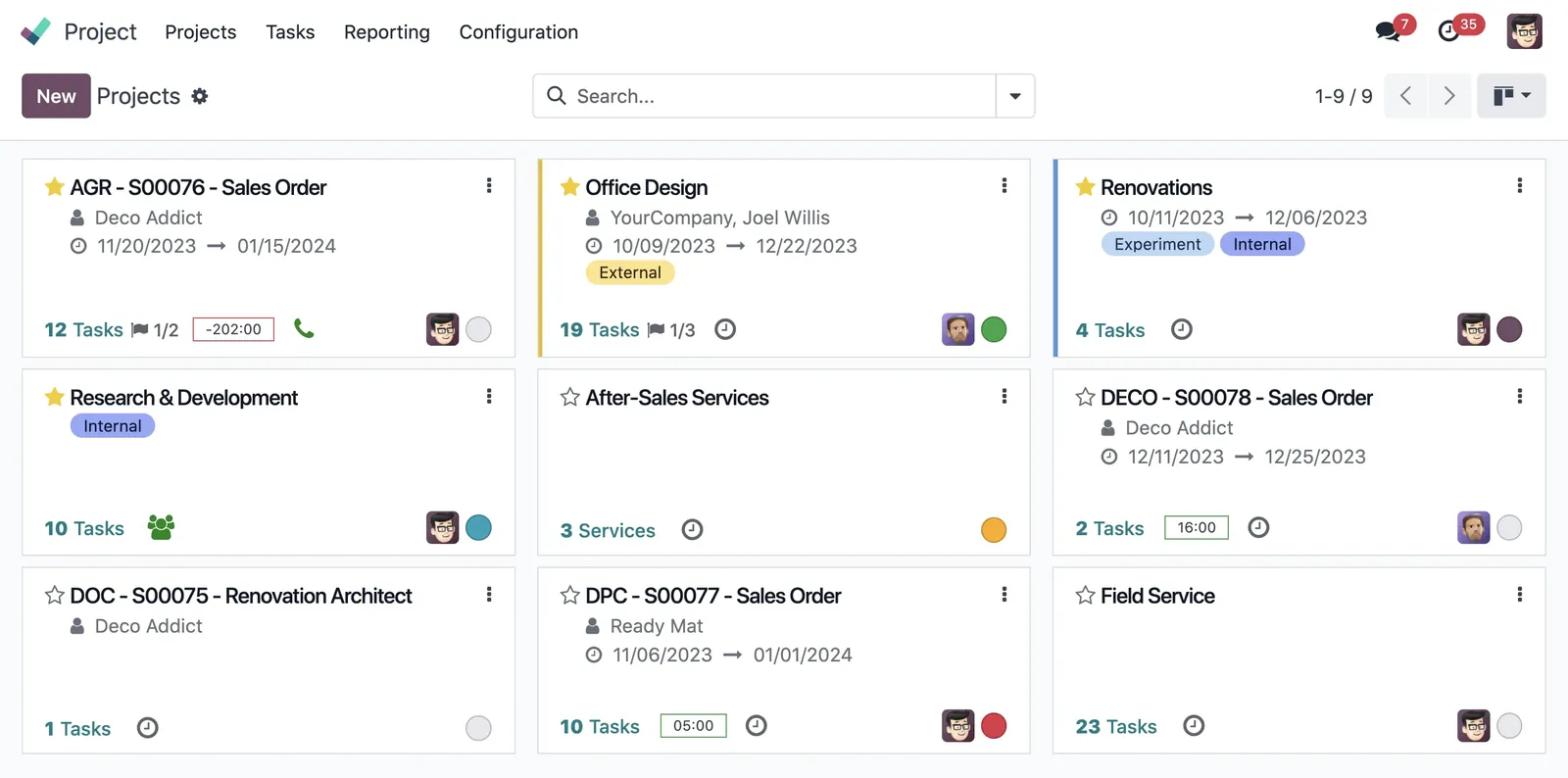
 Different needs , different views
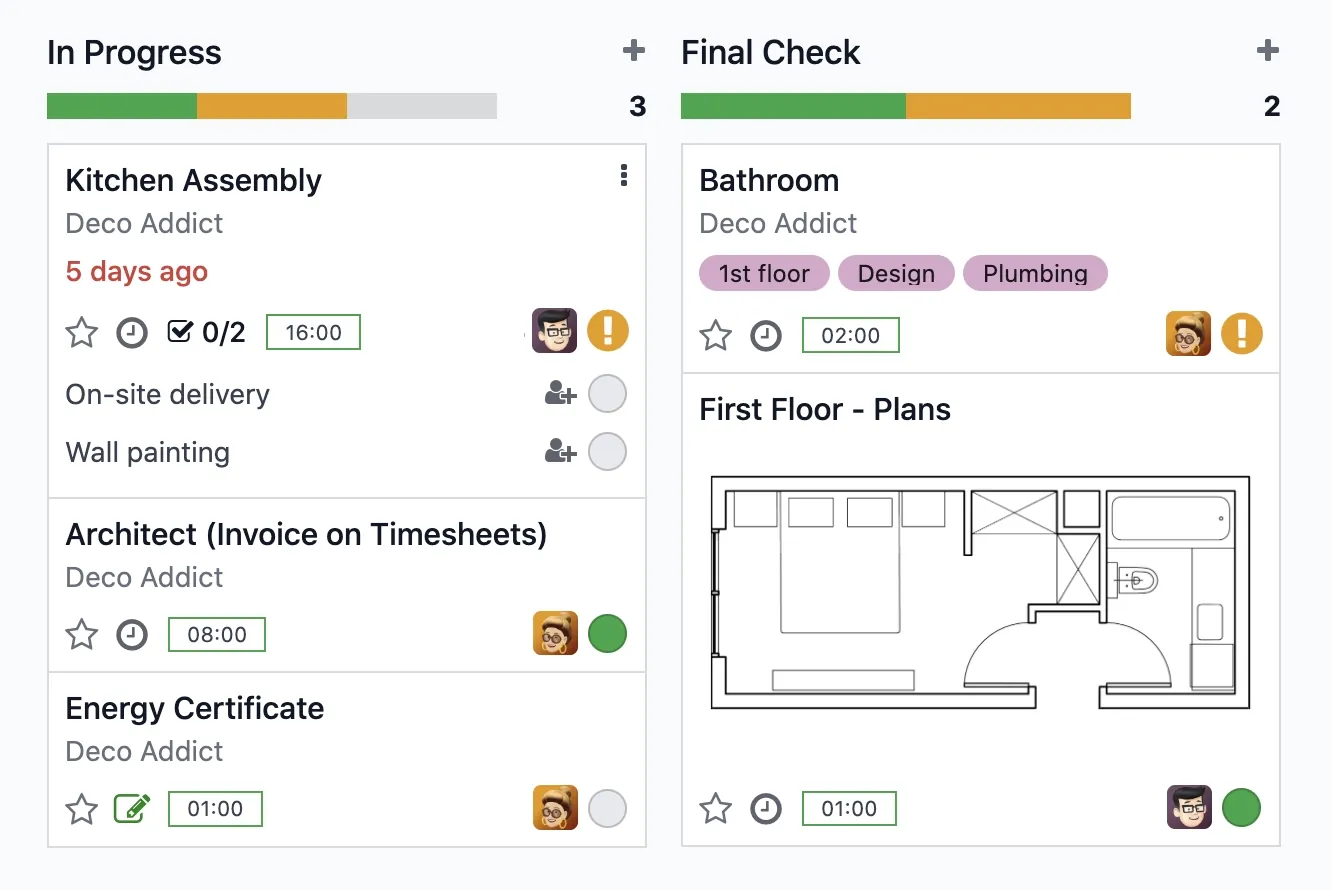
The power of sticky notes. The Kanban view organizes tasks by stage. Drag and drop them like sticky notes and keep your pipeline neatly organized.
DeadlinesE-Invoicing by Dec 31, 20262026 Computerized Books in ORUS by Jan 30, 2027E-Invoicing Dec 31 · ORUS Jan 30
Check ReadinessWork is organised as tasks in stages, with milestones, customer access to what you choose to share and time billed to the right client. We set up your stages and task rules and train your project managers.
Works with Timesheets
 Field Service
 Helpdesk
 Planning
Odoo Project: tasks, stages and milestones. TechNext, an Odoo Ready Partner headquartered in Singapore with teams in the Philippines and Vietnam, sets it up on a staging copy of your database, migrates your data, trains the people who use it and supports it after go-live.
Odoo 20 creates projects from opportunities, assigns team members to project roles, and lets customers see a project in their portal without becoming followers. Dedicated budget and margin reports replace the profitability report. What changed in Odoo 20.
Sample tasks run through Odoo Project the way TechNext sets it up: 5 states, the exceptions and loops that really happen, and the hand-offs into Sales, Timesheets and Planning. Hover a state to see what happens there.
Exceptions and loops
What TechNext configures
Main path: New → In progress → Changes requested → Approved → Done.
Sample records. Your stages, rules and hand-offs are configured in discovery.
Official Odoo videos. Nothing loads until you press play.
Get my custom blueprint See Project on your own data, as a plug-in in your system.
The product as Odoo presents it. TechNext configures each part to your process.
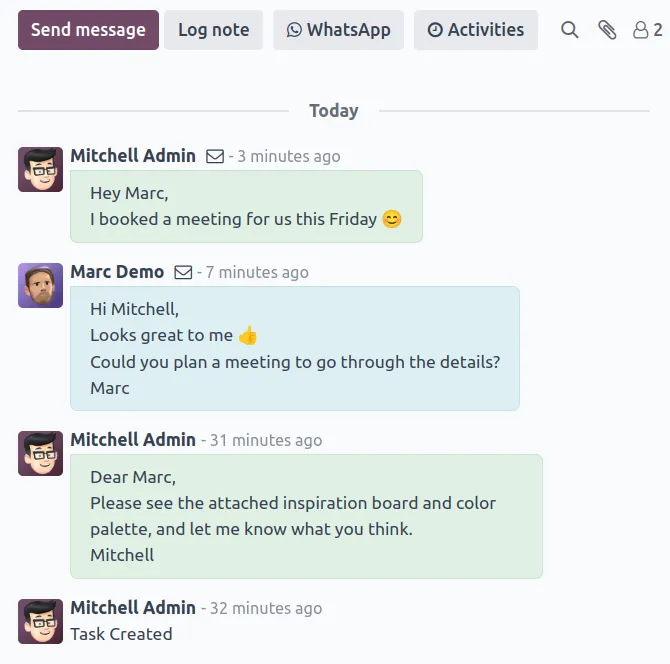
Involve your customers. Decide what parts of your project stakeholders can view and edit. Manage all your communication on one simple interface.
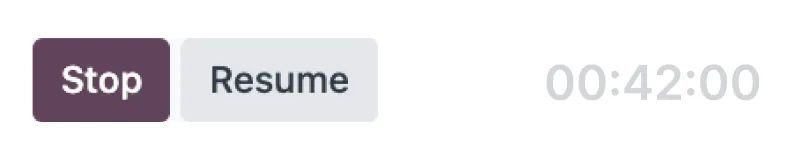
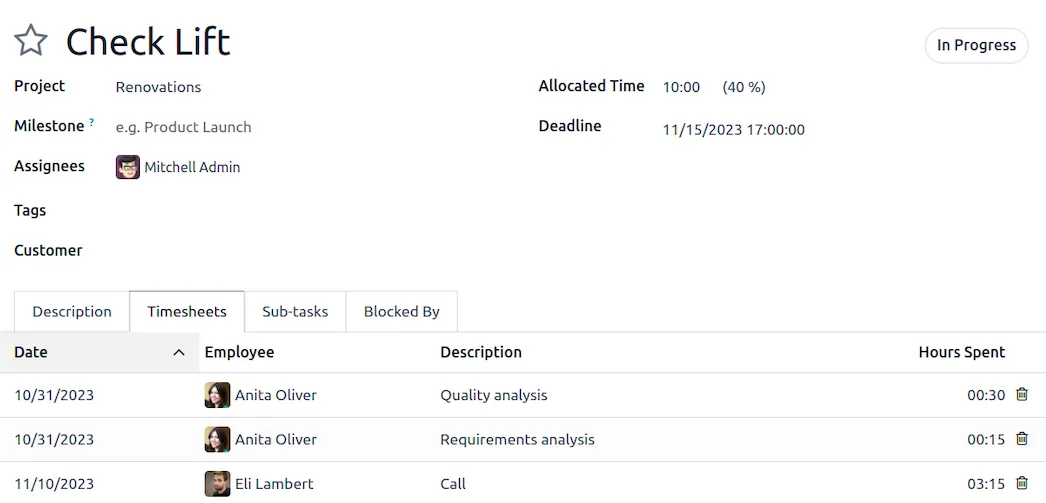
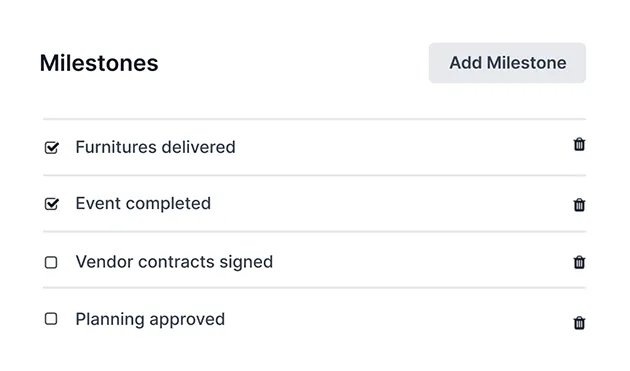
Timesheet and invoice. Bill your customers according to the time spent on tasks or set up milestones to spread the costs of larger projects.
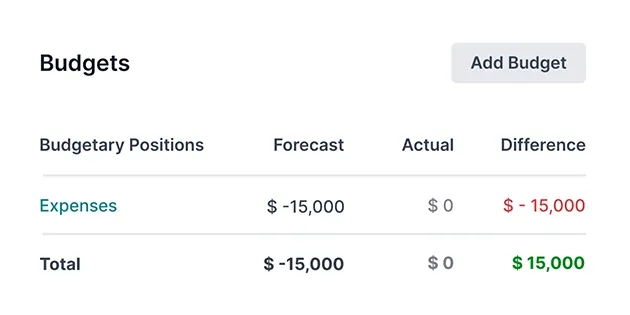
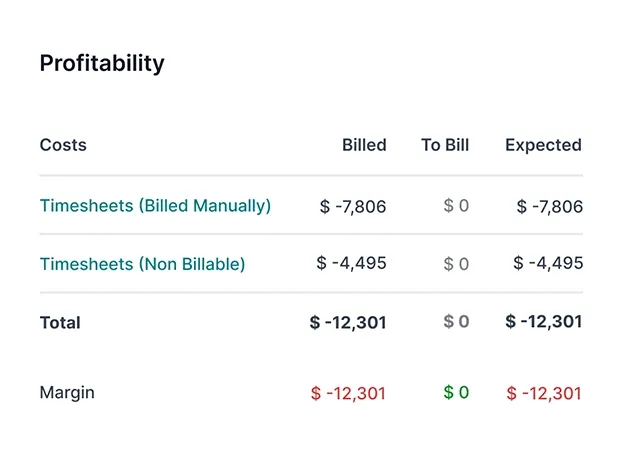
Project updates are generated in real-time and give a detailed overview of profitability, milestones, resources, and tasks.
Different needs , different viewsThe power of sticky notes. The Kanban view organizes tasks by stage. Drag and drop them like sticky notes and keep your pipeline neatly organized.
Standard Odoo first. We set it up on a staging database, migrate your data, train your team and stay on after go-live.
TimesheetsTime tracking billed to projects.Field ServiceOn-site jobs, run in Planning from Odoo 20.HelpdeskTickets, SLAs and knowledge base.PlanningShifts, resources and field service. AccountingJournals, bank sync, tax reports and closing.
 SalesQuotations, orders and upsells.
Product descriptions, screenshots and videos are © Odoo S.A., reproduced for reference from odoo.com. TechNext is an Odoo Ready Partner; we implement and support Odoo.
Keep the system you run today. Our own experts add Project as a plug-in in your system and quote it in writing first.
2027 BIR Audit Guide · sent by our team
Four details. A BIR Compliance Expert sends the guide to your work email within one business day. Inside: the eLA rules, the 10-day document rule, what examiners ask for, and a routine for audit requests.