
Odoo Purchase in Singapore & the Philippines
Odoo Purchase turns reorder rules and requests for quotation into purchase orders, receipts and supplier bills that match. We load supplier prices and lead times, set approval thresholds and train your buyers.
Works with Maintenance
 Quality
 Inventory
 Manufacturing
 Odoo · Purchase


Odoo Purchase in one paragraph
Odoo Purchase: RFQs, vendor pricelists, receipts. TechNext, an Odoo Ready Partner headquartered in Singapore with teams in the Philippines and Vietnam, sets it up on a staging copy of your database, migrates your data, trains the people who use it and supports it after go-live.
In Odoo 20, each vendor can carry a default Incoterm, expected arrival dates can be edited while the vendor's original date is kept for on-time rates, and quality checks give each vendor a quality rate. What changed in Odoo 20.
How a purchase order moves through Odoo Purchase.
Sample purchase orders run through Odoo Purchase the way TechNext sets it up: 5 states, the exceptions and loops that really happen, and the hand-offs into Inventory, Invoicing and Approvals. Hover a state to see what happens there.
- In progress
- 0
- Completed
- 0
- Exceptions
- 0
- Hand-offs
- 0
- RFQFrom a reordering rule or by hand
- RFQ sentVendor confirms price and date
- Purchase orderConfirmed
- ReceivedReceipt validated
- BilledVendor bill matched
Exceptions and loops
- Better price from another vendor
- Partial receipt: backorder
What TechNext configures
- Vendor pricelists and lead times
- 3-way match: order, receipt, bill
- Purchase agreements and tenders
Main path: RFQ → RFQ sent → Purchase order → Received → Billed.
Sample records. Your stages, rules and hand-offs are configured in discovery.
Purchase, section by section.
The product as Odoo presents it. TechNext configures each part to your process.
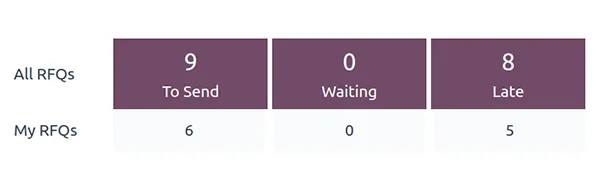
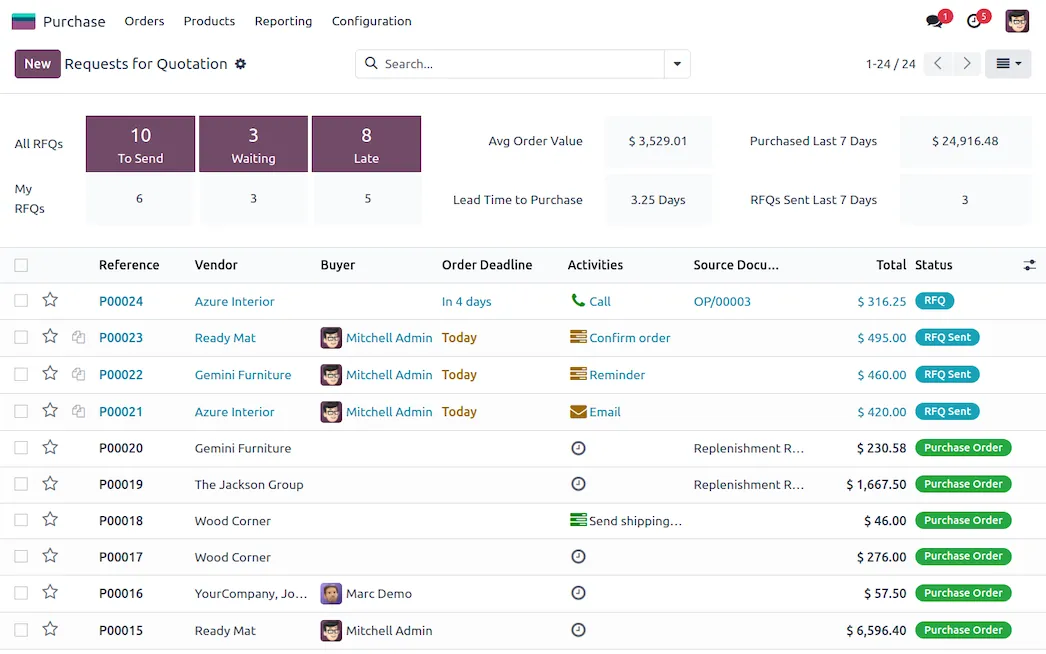
Automated RFQs for the busy bee
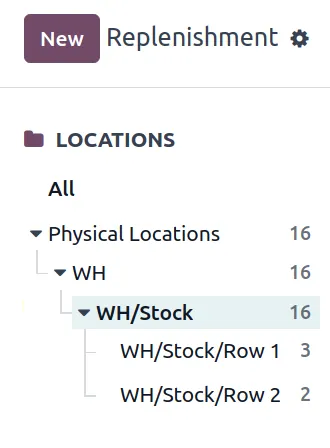
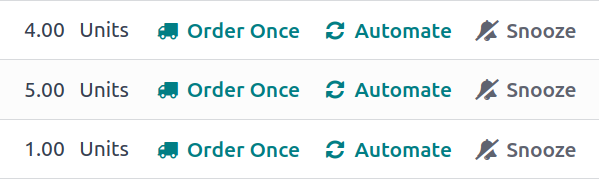
Streamline every RFQ and purchase order with automated reordering rules. Create custom rules and replenishment methods, and sync up your most important processes where it makes sense to do so — you have the power!
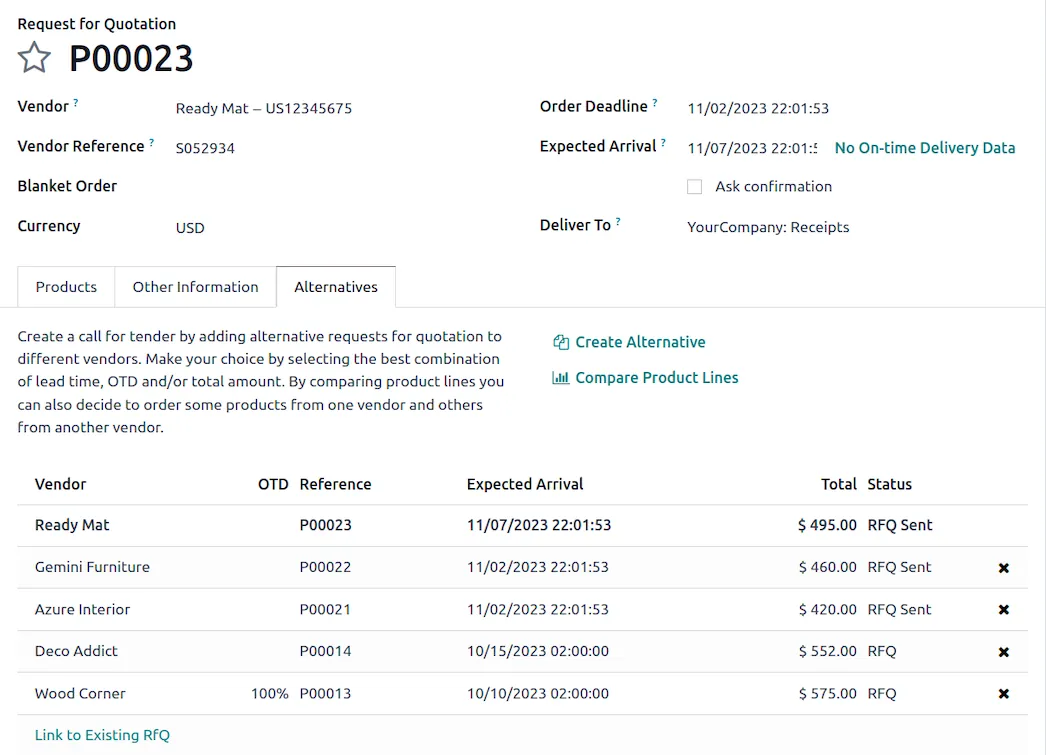
Flexible purchase agreements, for every situation
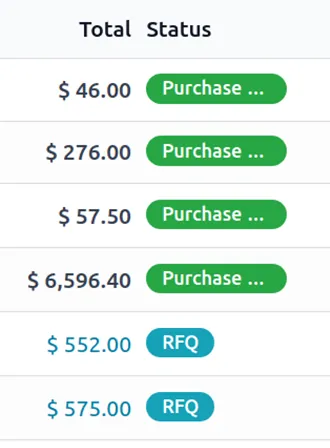
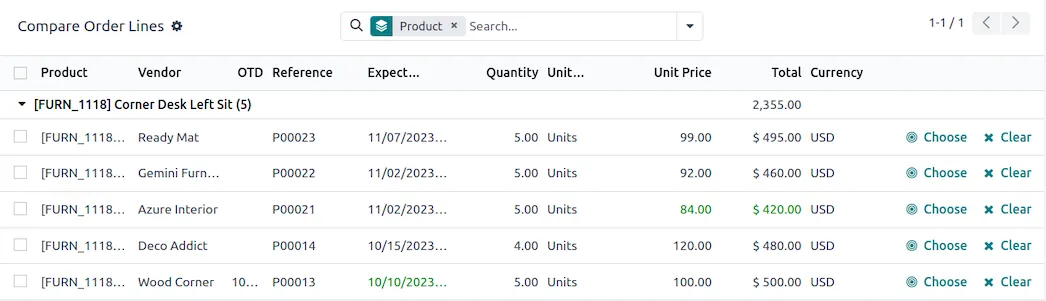
Optimize procurement with customizable and automated purchase agreements. Secure the best prices with alternative RFQs, compare product lines, and streamline recurring orders with blanket orders.
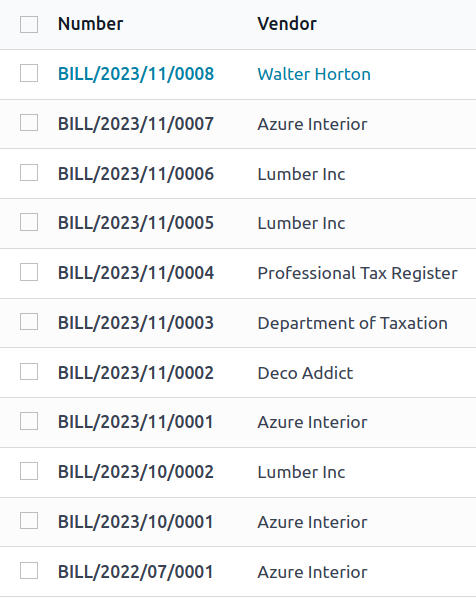
Charge vendors on your terms
Create singular or split vendor bills at any time, and pay based on ordered or received quantities — you choose. Integrate with the Accounting app to track the payment status of bills.
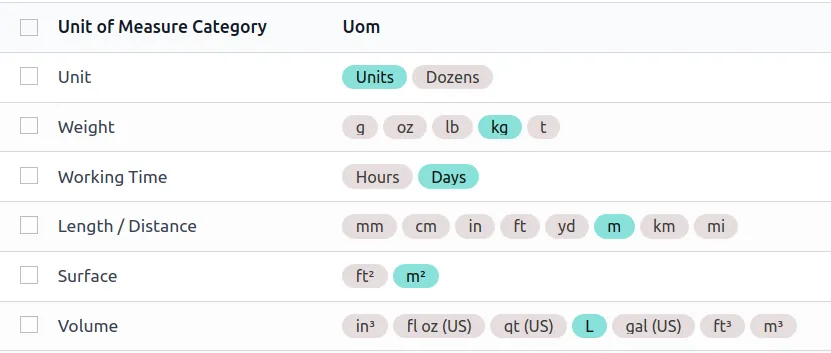
All the small things that make procurement possible
...such as variants, packagings, units of measure, and more. Go further to integrate your Point of Sale and eCommerce systems.
Inside the app.
Purchase, configured to how you work.
Standard Odoo first. We set it up on a staging database, migrate your data, train your team and stay on after go-live.
- Vendor pricelists and lead times loaded
- RFQ → order → receipt → bill matching configured
- Approval thresholds for purchase orders
- Buyers trained on RFQs and vendor bills
For Philippine companies. In the Philippines, vendor bills with withholding tax posted in Odoo are the source of the 2307 certificates you issue per payee and of the SLSP and QAP reports for the BIR. Read Odoo in the Philippines and BIR Form 2307 explained.
Apps that share the same database.
MaintenancePreventive and corrective requests.QualityControl points and quality alerts.InventoryMulti-warehouse stock, barcodes, replenishment.ManufacturingBills of materials and work orders. AccountingJournals, bank sync, tax reports and closing.
 SalesQuotations, orders and upsells.
Product descriptions, screenshots and videos are © Odoo S.A., reproduced for reference from odoo.com. TechNext is an Odoo Ready Partner; we implement and support Odoo.
Put Purchase to work for your BIR requirements.
Keep the system you run today. Our own experts add Purchase as a plug-in in your system and quote it in writing first.