
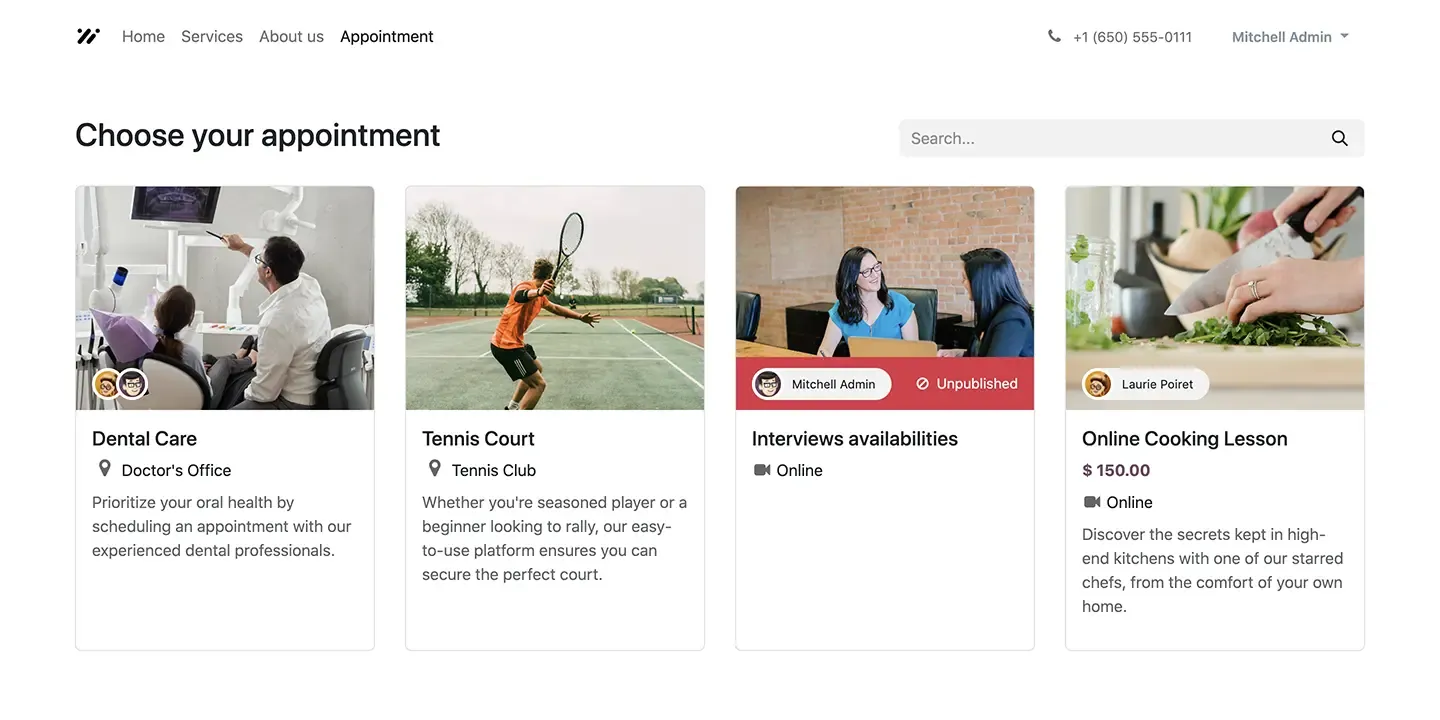


 Appointments loaded with options
Set your schedule, create opportunities, add questions, and send customized messages. Send invitations with availability for customers to schedule appointments quick and easy.
DeadlinesE-Invoicing by Dec 31, 20262026 Computerized Books in ORUS by Jan 30, 2027E-Invoicing Dec 31 · ORUS Jan 30
Check ReadinessCustomers book a time online against the availability of your staff or resources, synced with Outlook or Google Calendar. We set up your booking pages and reminders and train your team.
Works with Project
 Timesheets
 Field Service
 Helpdesk
Odoo Appointments: online booking calendars. TechNext, an Odoo Ready Partner headquartered in Singapore with teams in the Philippines and Vietnam, sets it up on a staging copy of your database, migrates your data, trains the people who use it and supports it after go-live.
In Odoo 20, booked appointments can be rescheduled in a few clicks, each time slot can take a booking limit, and customers can be asked for feedback afterwards. Booking pages are redesigned for mobile and desktop. What changed in Odoo 20.
Sample appointments run through Odoo Appointments the way TechNext sets it up: 5 states, the exceptions and loops that really happen, and the hand-offs into CRM, Invoicing and Discuss. Hover a state to see what happens there.
Exceptions and loops
What TechNext configures
Main path: Booking page → Slot chosen → Confirmed → Reminded → Attended.
Sample records. Your stages, rules and hand-offs are configured in discovery.
The product as Odoo presents it. TechNext configures each part to your process.
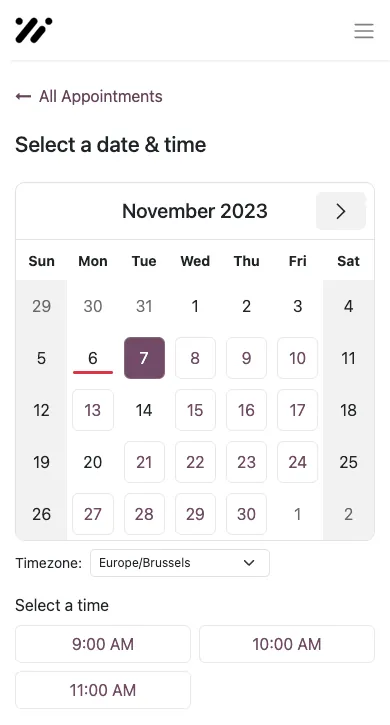
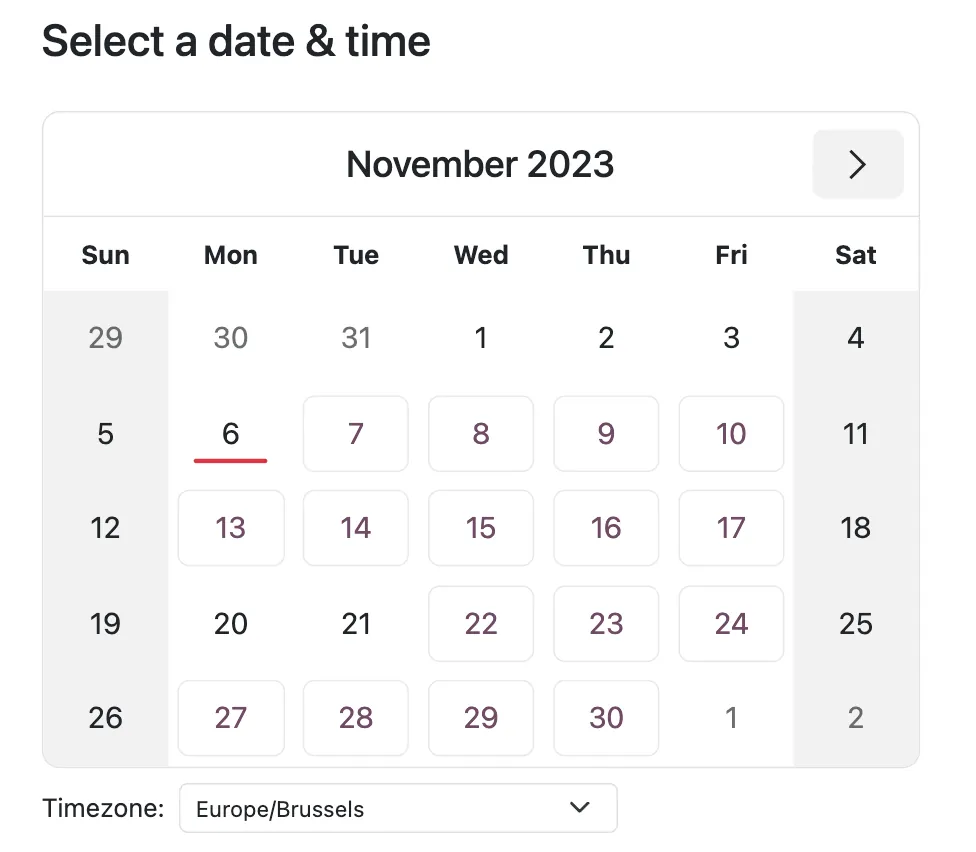
Scheduling made easy, secure a time slot within a few clicks. Customers view the availability and click to make an appointment!
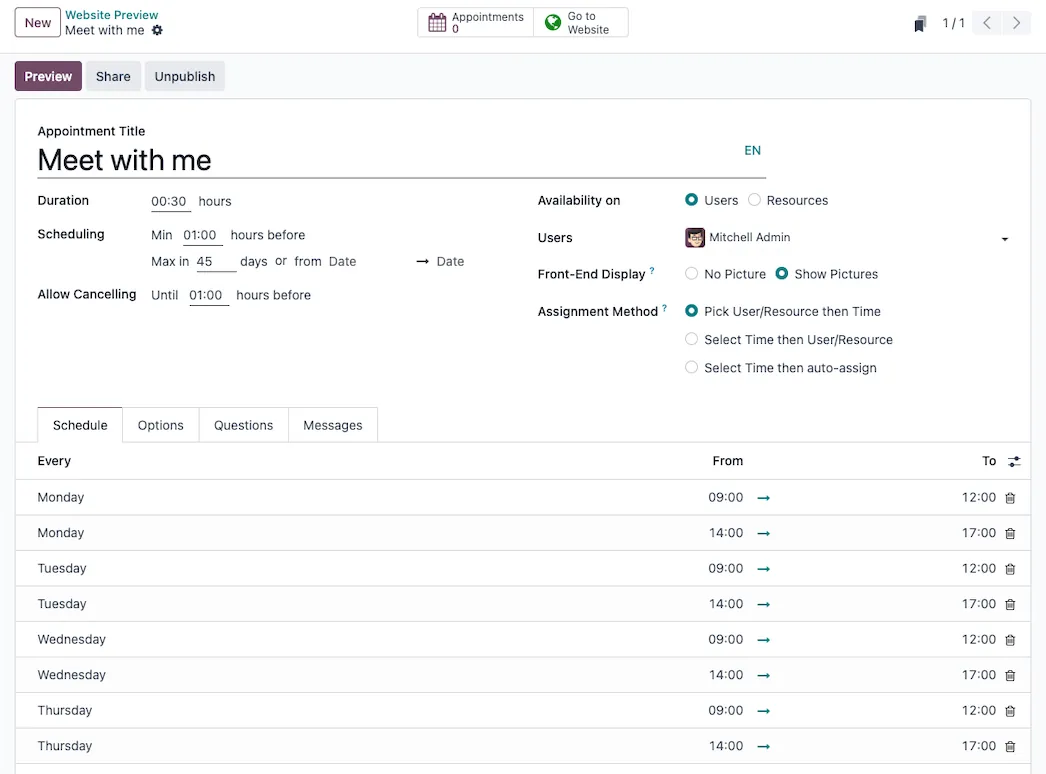
Configuration is quick and integrates with the Calendar app, Microsoft Outlook, and Google Calendar.
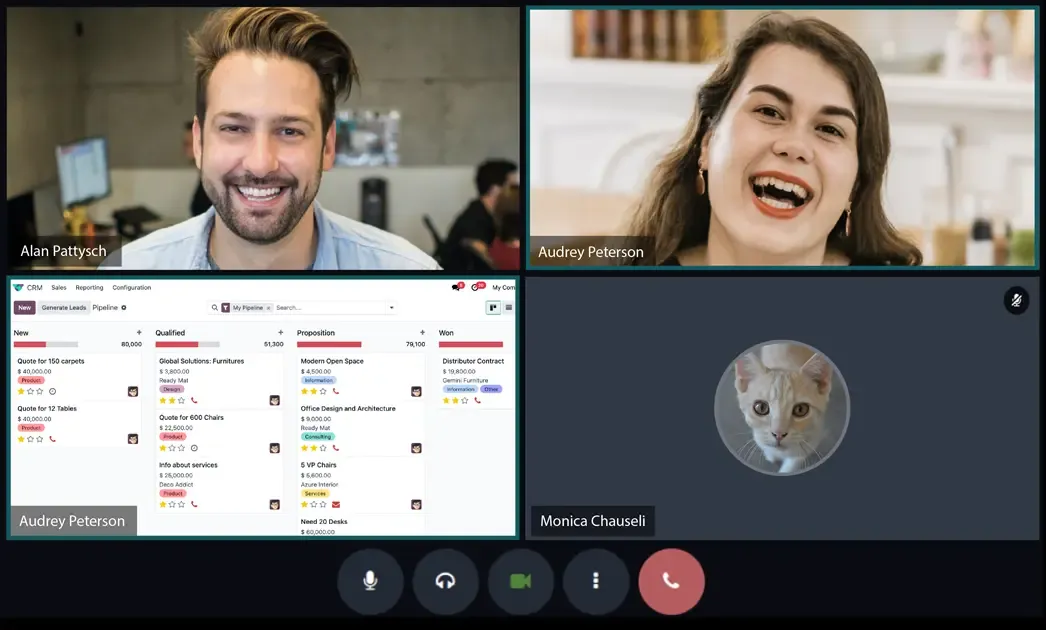
Use super convenient video conferencing to connect with your customers and land more sales, hands down.
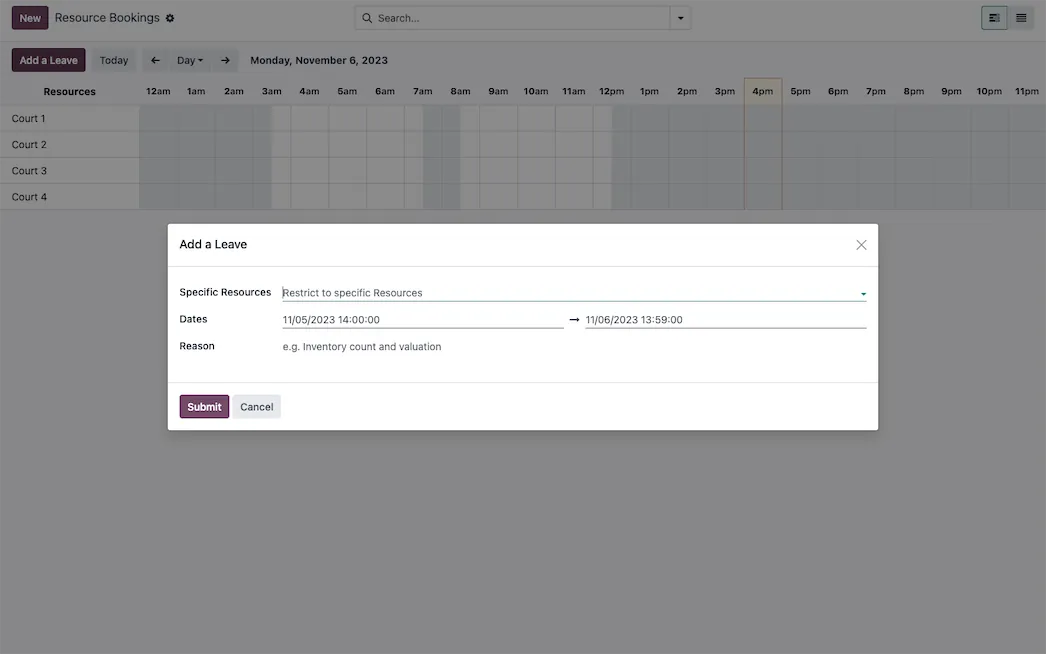
Manage appointments efficiently with comprehensive resource and staff schedules. A complete resource-time management system.
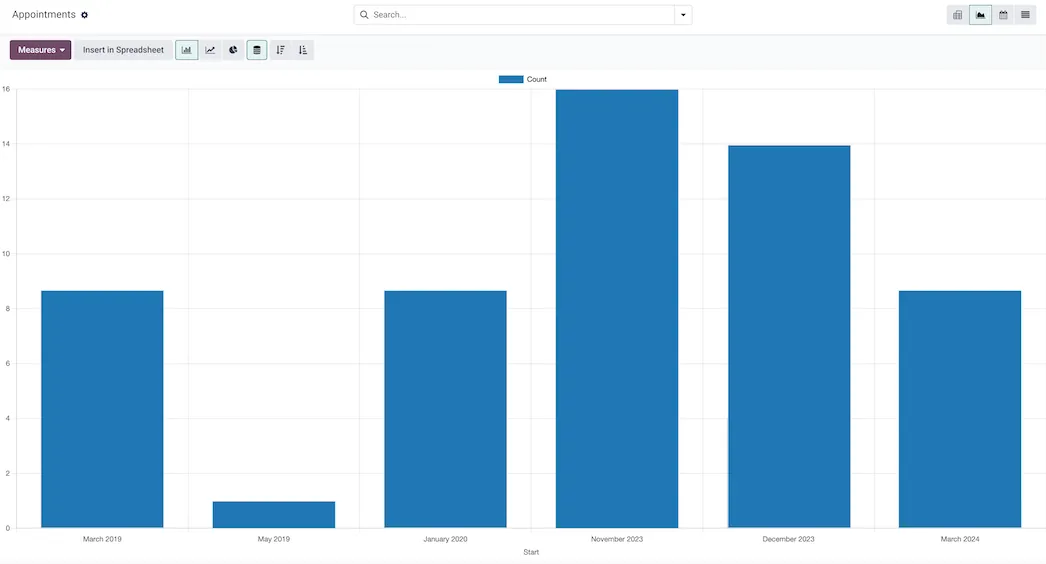
Optimize your resources based on time demand and be there when your customers need you most.
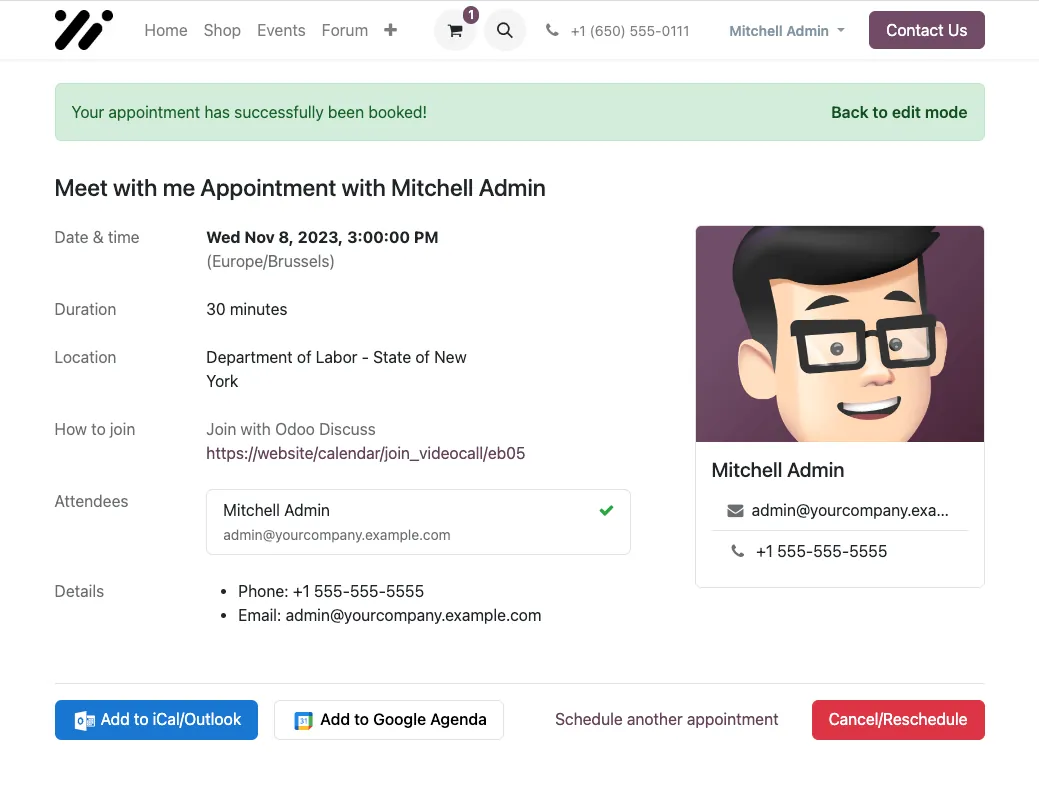
Set a time to send a reminder using an email template loaded with dynamic placeholders, for unique customization of data. Send a SMS message or notification to reach your customers and users in different ways.
Appointments loaded with optionsSet your schedule, create opportunities, add questions, and send customized messages. Send invitations with availability for customers to schedule appointments quick and easy.
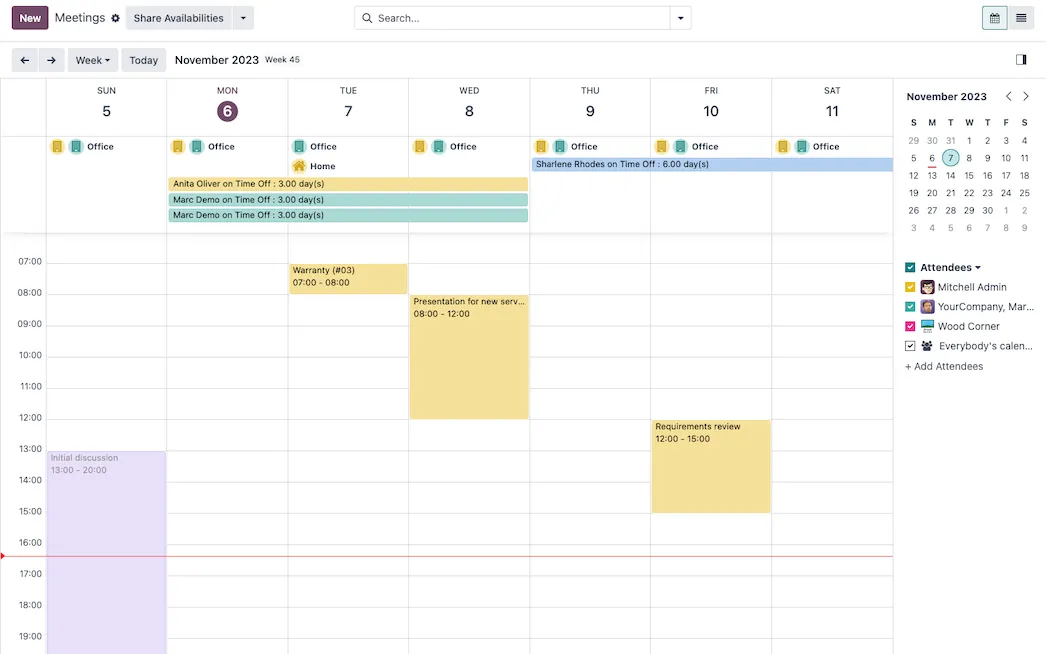
Standard Odoo first. We set it up on a staging database, migrate your data, train your team and stay on after go-live.
ProjectTasks, stages and milestones.TimesheetsTime tracking billed to projects.Field ServiceOn-site jobs, run in Planning from Odoo 20.HelpdeskTickets, SLAs and knowledge base. AccountingJournals, bank sync, tax reports and closing.
 SalesQuotations, orders and upsells.
Product descriptions, screenshots and videos are © Odoo S.A., reproduced for reference from odoo.com. TechNext is an Odoo Ready Partner; we implement and support Odoo.
Keep the system you run today. Our own experts add Appointments as a plug-in in your system and quote it in writing first.
2027 BIR Audit Guide · sent by our team
Four details. A BIR Compliance Expert sends the guide to your work email within one business day. Inside: the eLA rules, the 10-day document rule, what examiners ask for, and a routine for audit requests.