

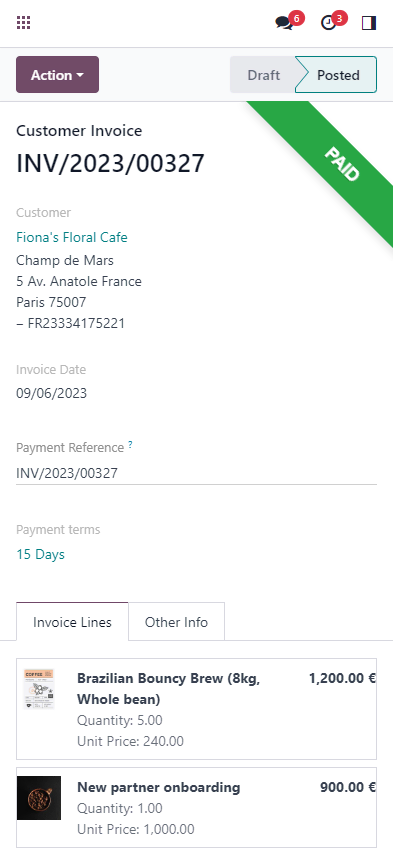
 Your invoices in your pocket
Use the mobile app to issue invoices to your customers, update payment status, or even create batch payments for your vendor bills! Anytime, anywhere.
DeadlinesE-Invoicing by Dec 31, 20262026 Computerized Books in ORUS by Jan 30, 2027E-Invoicing Dec 31 · ORUS Jan 30
Check ReadinessOdoo Invoicing sends invoices from your own templates, takes payment online and reminds customers about overdue ones. We set it up, and for Philippine companies the invoices follow the EOPT rules; for covered taxpayers we plan e-invoicing ahead of 31 December 2026. Odoo has no built-in connection to the BIR's EIS, and TechNext has not built one; if you are covered, we assess the options with you and quote any connection separately.
Works with Expenses
 Spreadsheet (BI)
 Documents
 Sign
Odoo Invoicing: send invoices and collect payments online. TechNext, an Odoo Ready Partner headquartered in Singapore with teams in the Philippines and Vietnam, sets it up on a staging copy of your database, migrates your data, trains the people who use it and supports it after go-live.
In Odoo 20, invoice reminders go out from the invoice list or run automatically, duplicate bills and invoices get two levels of warning, and one download zips every file made for the selected invoices. Payment statuses are renamed: "In Process" becomes "Paid" and "Paid" becomes "Reconciled". Odoo 20 by country.
Invoices set up for the BIR invoice rules under the EOPT Act, with a series per branch, and, if you are a covered taxpayer (deadline 31 December 2026), a plan for e-invoicing. Odoo has no built-in connection to the BIR's EIS, and TechNext has not built one. If you are covered, we assess the options with you and quote any connection separately.
Read Odoo in the Philippines and What a BIR invoice must show.
What this app prepares Sample data
Sample customer invoices run through Odoo Invoicing the way TechNext sets it up: 5 states, the exceptions and loops that really happen, and the hand-offs into Sales, Accounting and Discuss. Hover a state to see what happens there.
Exceptions and loops
What TechNext configures
Main path: Draft → Posted → Sent → In payment → Paid.
Sample records. Your stages, rules and hand-offs are configured in discovery.
Official Odoo videos. Nothing loads until you press play.
Book a Technical Readiness Call See Invoicing on your own data, as a plug-in in your system.
The product as Odoo presents it. TechNext configures each part to your process.
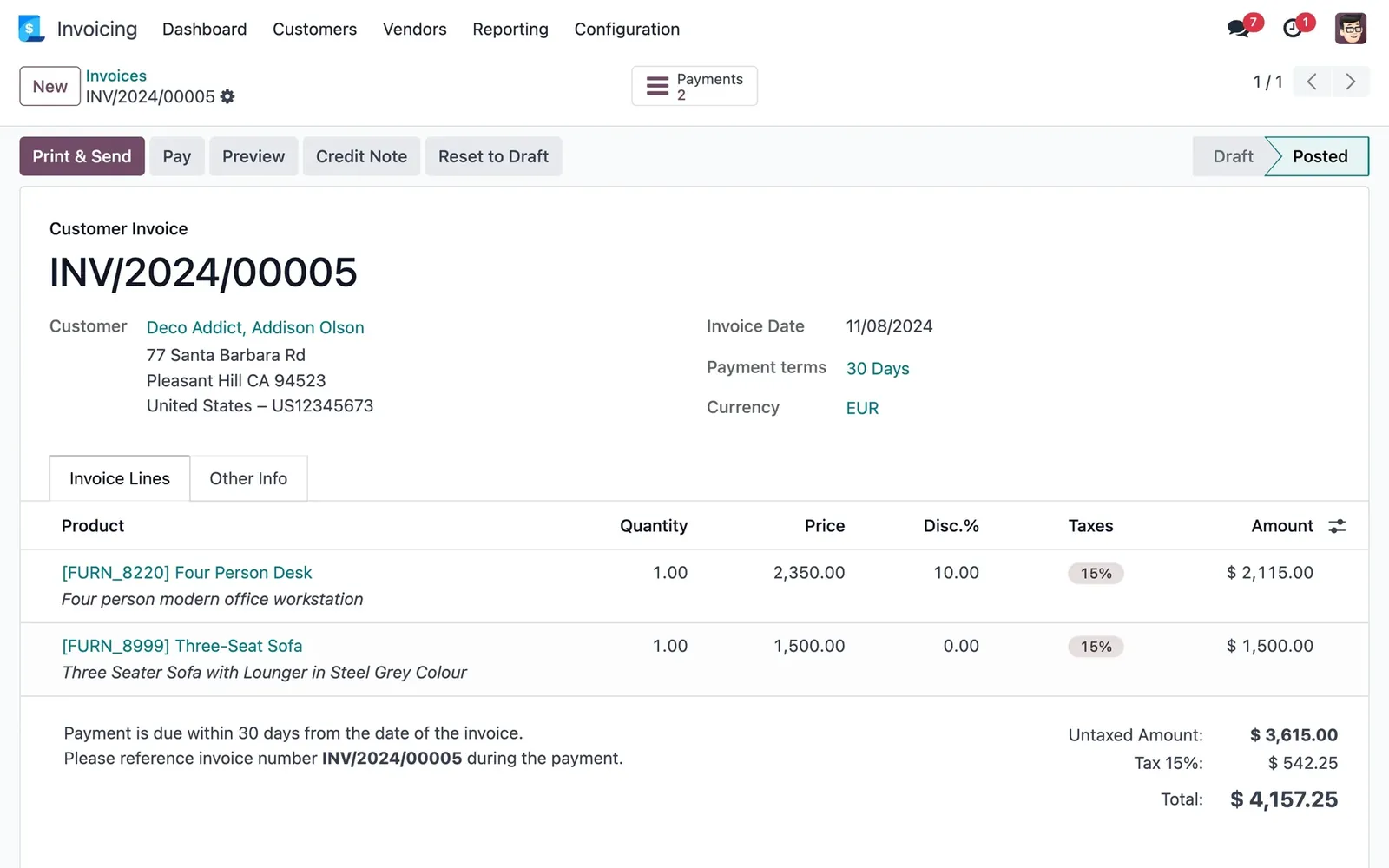
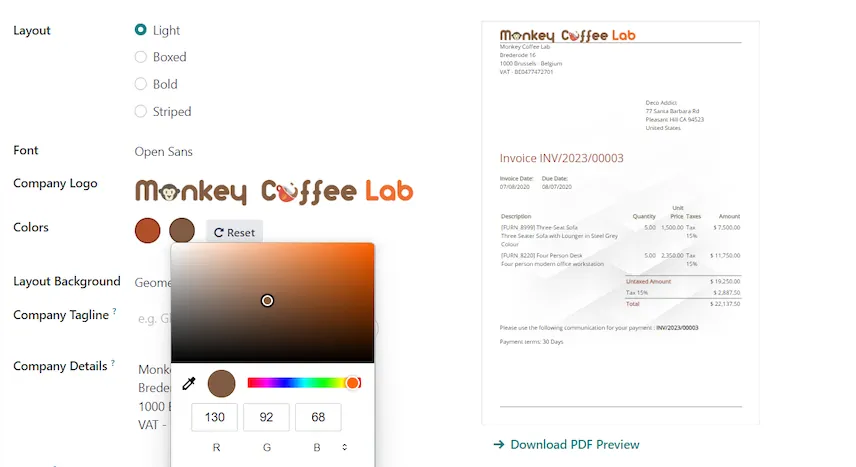
All the essential elements of an invoice are prepped just for you: customer details, products and prices, tax rates, etc. Your invoice is - literally - one click away.
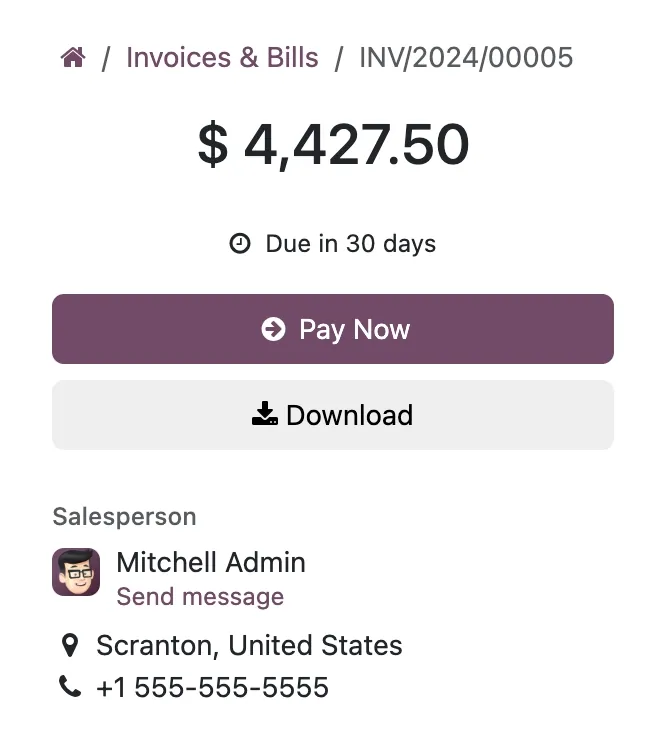
Online payments. Redirect your clients to a flawless customer portal and let them pay with their preferred online payment method.
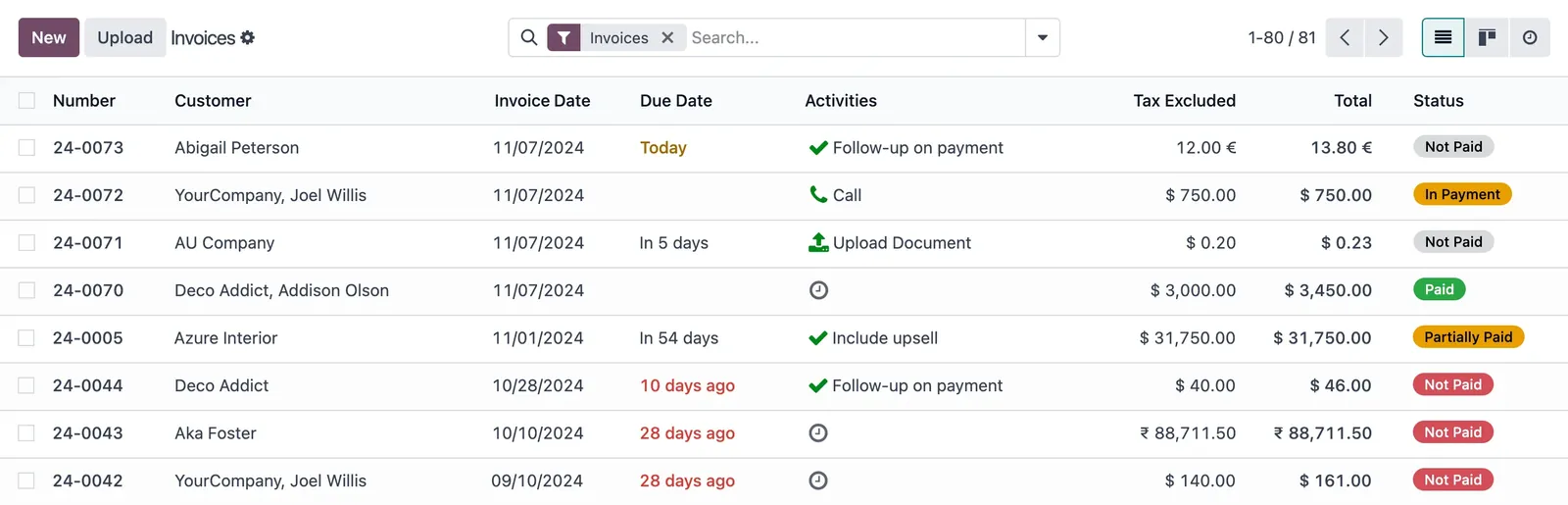
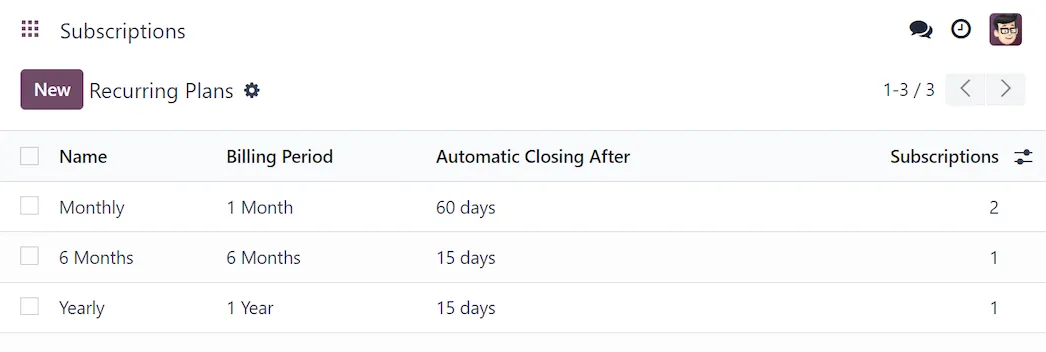
Track open payments with clear statuses and due dates. Set reminders for entries that need follow-up.
Your invoices in your pocketUse the mobile app to issue invoices to your customers, update payment status, or even create batch payments for your vendor bills! Anytime, anywhere.
Standard Odoo first. We set it up on a staging database, migrate your data, train your team and stay on after go-live.
ExpensesCapture receipts and approve claims.Spreadsheet (BI)Live pivots and dashboards on Odoo data.DocumentsFile storage with workflows and OCR.SignE-signatures with an audit trail. AccountingJournals, bank sync, tax reports and closing.
 SalesQuotations, orders and upsells.
Product descriptions, screenshots and videos are © Odoo S.A., reproduced for reference from odoo.com. TechNext is an Odoo Ready Partner; we implement and support Odoo.
Keep the system you run today. Our own experts add Invoicing as a plug-in in your system and quote it in writing first.
2027 BIR Audit Guide · sent by our team
Four details. A BIR Compliance Expert sends the guide to your work email within one business day. Inside: the eLA rules, the 10-day document rule, what examiners ask for, and a routine for audit requests.