DeadlinesE-Invoicing by Dec 31, 20262026 Computerized Books in ORUS by Jan 30, 2027E-Invoicing Dec 31 · ORUS Jan 30

Check Readiness
TechNext

Odoo Point of Sale (Shop) in Singapore & the Philippines

Odoo Point of Sale runs your shop checkout, keeps selling when the connection drops and posts the day's takings to your accounts. We set up products, payment methods and cashier training; for Philippine companies the invoices are set up for the EOPT rules, we check your POS registration with your accountant, and for covered taxpayers we plan e-invoicing ahead of 31 December 2026.

Odoo Ready Partner

Works withPoint of Sale — RestaurantSubscriptionsRentalCRM

Odoo Point of Sale — Shop in one paragraph

Odoo Point of Sale — Shop: offline-ready retail checkout. TechNext, an Odoo Ready Partner headquartered in Singapore with teams in the Philippines and Vietnam, sets it up on a staging copy of your database, migrates your data, trains the people who use it and supports it after go-live.

Odoo 20 takes GrabFood orders and syncs the menu in Singapore, the Philippines, Vietnam and five other Southeast Asian markets, accepts several currencies at one checkout, and lets you snooze products that are unavailable for now. It can also run on simplified stock, without the Inventory app. What changed in Odoo 20.

See it on my data How we set it up

For Philippine companies: BIR

POS invoices can carry the EOPT invoice fields, with the day's takings posting to Odoo Accounting. Your POS units need their own BIR registration, which you apply for. For covered taxpayers we also plan e-invoicing with you before 31 December 2026.

What this app prepares Sample data

  • EOPT invoicesPOS invoices can carry the EOPT fields
  • AccountingThe day's takings post to Odoo Accounting
  • E-invoicingPlanned for covered taxpayers, 31 Dec 2026

How a POS session moves through Odoo Point of Sale (Shop).

Sample POS sessions run through Odoo Point of Sale (Shop) the way TechNext sets it up: 5 states, the exceptions and loops that really happen, and the hand-offs into Inventory, Accounting and CRM. Hover a state to see what happens there.

Odoo Point of Sale (Shop) · POS session lifecycleSample records · 5 states · 3 hand-offs
In progress
0
Completed
0
Exceptions
0
Hand-offs
0
  1. OpenedCash float counted
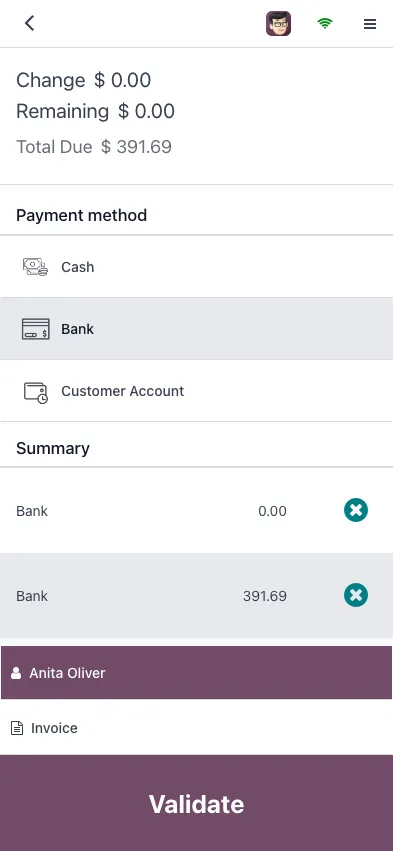
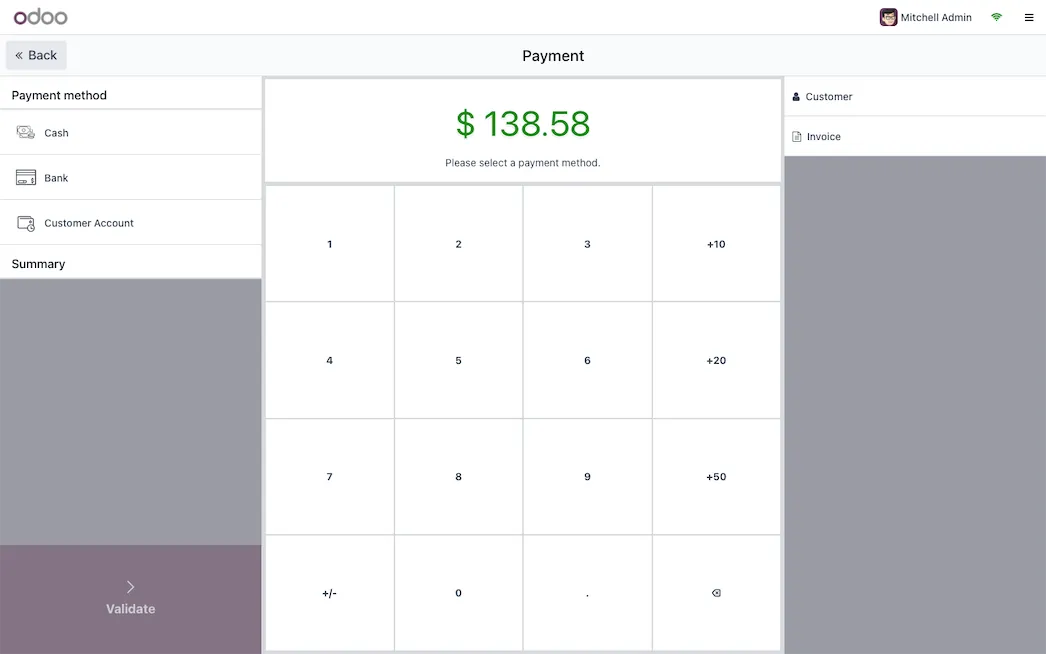
  2. SellingOrders paid by cash, card or wallet
  3. ClosingCash control and differences
  4. PostedOne journal entry per session
  5. ClosedStock and sales reported

Exceptions and loops

  • Refund or exchange at the till
  • Difference found: recount

What TechNext configures

  • Offline mode that syncs when back online
  • Loyalty, promotions and gift cards
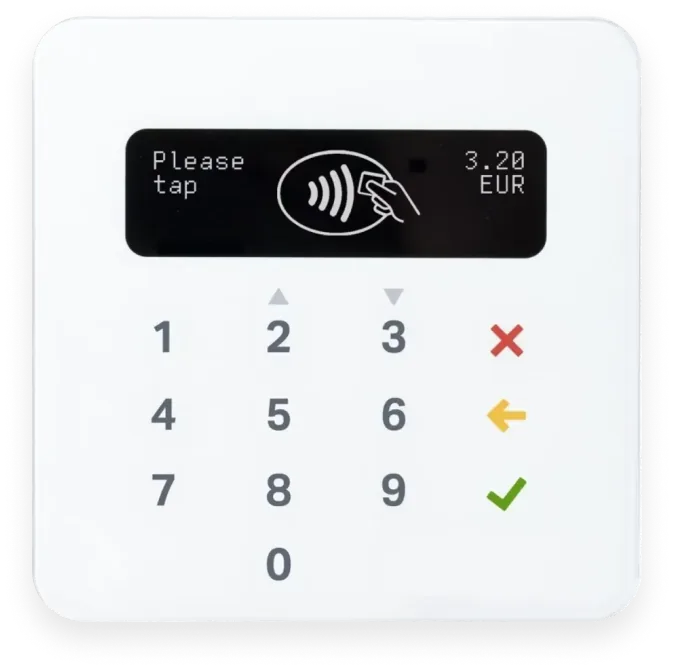
  • Payment terminals and receipt printers

Main path: Opened → Selling → Closing → Posted → Closed.

Sample records. Your stages, rules and hand-offs are configured in discovery.

Get my custom blueprint How we set it up for you

Point of Sale — Shop in action.

Official Odoo videos. Nothing loads until you press play.

Book a Technical Readiness Call See Point of Sale — Shop on your own data, as a plug-in in your system.

Point of Sale — Shop, section by section.

The product as Odoo presents it. TechNext configures each part to your process.

Odoo Point of Sale — Shop — Complex meets intuitive

Complex meets intuitive

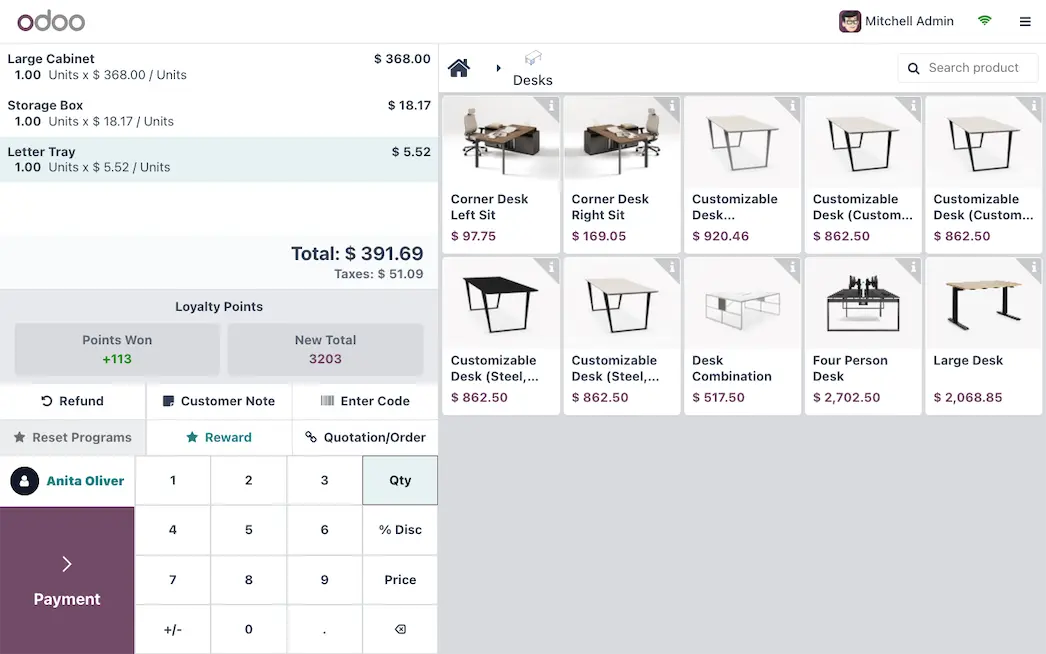
Interface that has it all : so intuitive that anyone can master it in minutes, yet packed with a range of advanced options. Handle any transaction with ease and focus on what matters: the customers.

Odoo Point of Sale — Shop — Self ordering for the win

Self ordering for the win

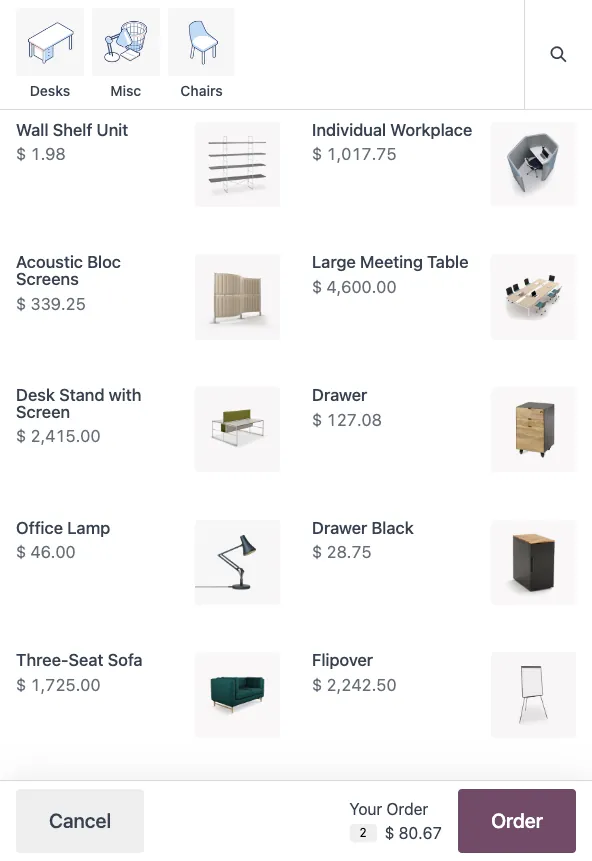
Step into the future . From the kiosk or their smartphones, your customers can do everything by themselves, from the order to the payment.

Odoo Point of Sale — Shop — Cross-channel selling

Cross-channel selling

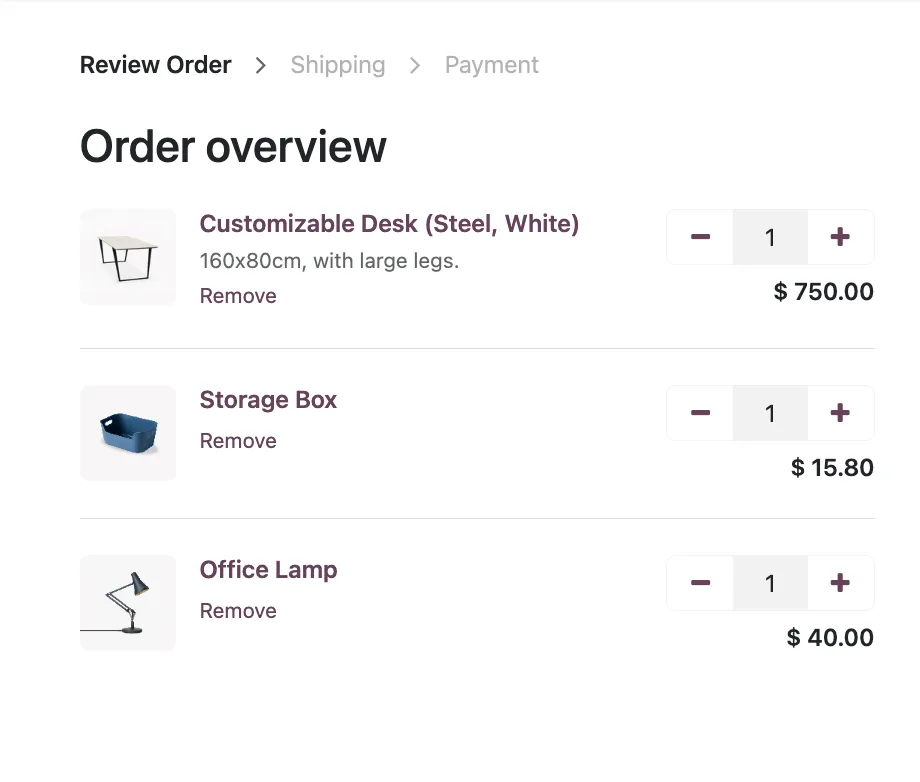
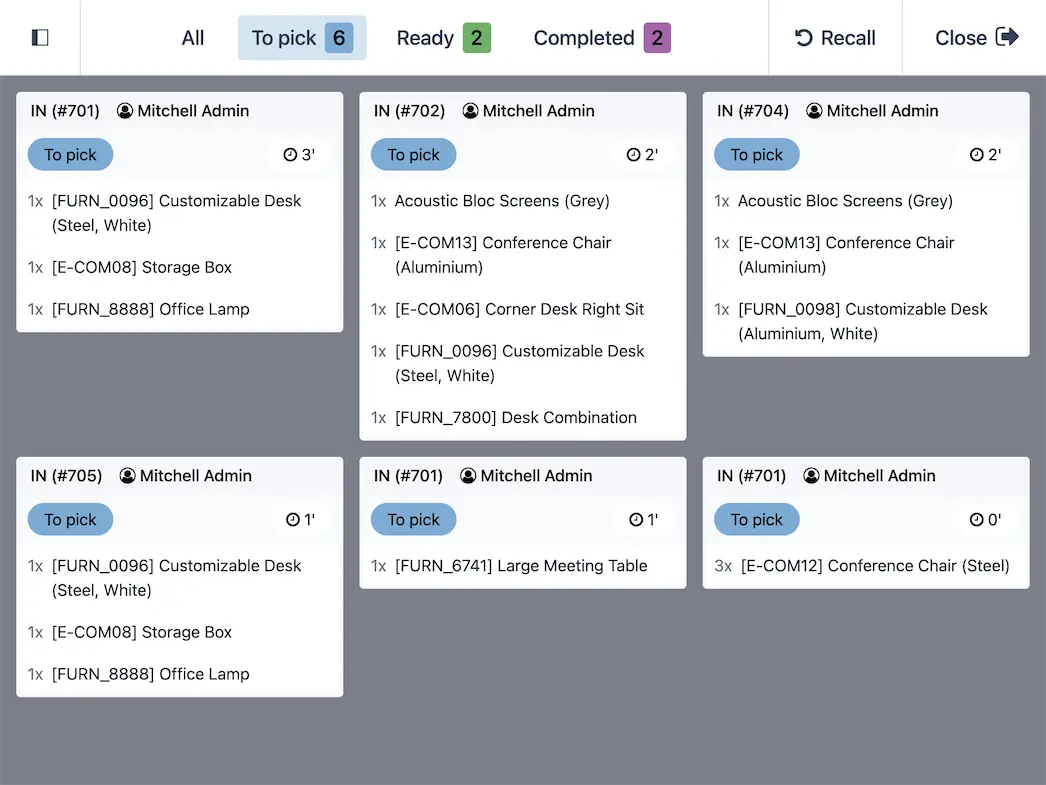
Click and collect. No more chaos between your selling channels. Allow clients to order online and pick up at the store. Preparation displays allows you to prepare large orders in advance.

Reward loyal customers

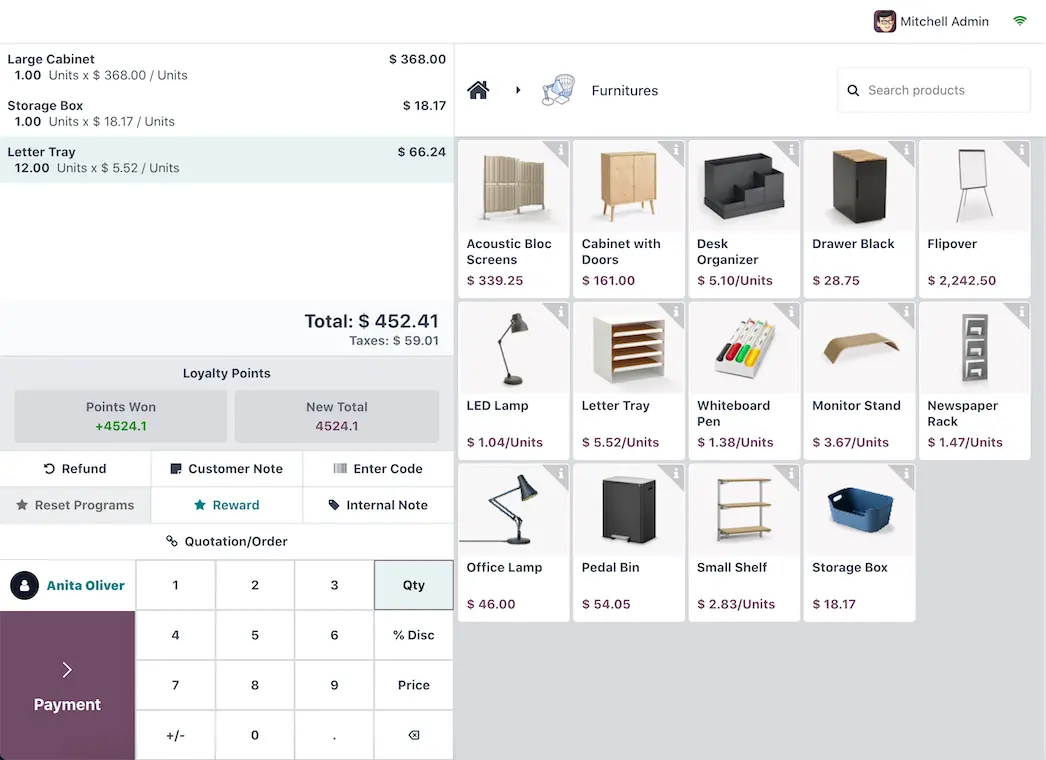
Keep the clients coming. Improve their shopping experience with loyalty programs: points, rewards, and gift cards. Handling a refund? Use the eWallet to bump up retention while keeping the clients happy.

  • Coupons
  • Loyalty cards
  • Promotion
  • eWallet
  • Gift Cards

How we set it up for you

Inside the app.

Odoo Point of Sale — Shop screenshot 1
Odoo Point of Sale — Shop · screenshot from odoo.com
Odoo Point of Sale — Shop screenshot 2
Odoo Point of Sale — Shop · screenshot from odoo.com
Odoo Point of Sale — Shop screenshot 3
Odoo Point of Sale — Shop · screenshot from odoo.com
Odoo Point of Sale — Shop screenshot 4
Odoo Point of Sale — Shop · screenshot from odoo.com

How we set it up for you

Point of Sale — Shop, configured to how you work.

Standard Odoo first. We set it up on a staging database, migrate your data, train your team and stay on after go-live.

  1. Discovery: we map how the process runs today and match it to the app
  2. Configuration on a staging database, checked against real records
  3. Training for the people who will use it, on your own data
  4. Support after go-live: fixes, changes and upgrades

Apps that share the same database.

All Odoo apps

Product descriptions, screenshots and videos are © Odoo S.A., reproduced for reference from odoo.com. TechNext is an Odoo Ready Partner; we implement and support Odoo.

Put Point of Sale — Shop to work for your BIR requirements.

Keep the system you run today. Our own experts add Point of Sale — Shop as a plug-in in your system and quote it in writing first.