


BIR compliance5 min read
BIR SLSP: your Summary List of Sales and Purchases, and how Odoo builds it
Who files the BIR SLSP, what goes in it, why files get rejected, and how Odoo exports the DAT files for RELIEF.
BIR noticeE-invoicing is due by 31 December 2026 for covered taxpayers, including businesses on a CAS or CBA with invoicing software.E-invoicing is due by 31 Dec 2026 for covered taxpayers.
CAS set-up in OdooEvery branch has its own registration, its own invoices and often its own RDO, yet VAT is filed once for the whole company. Here is how the BIR treats branches, what changes with e-invoicing, and how to set up branches in Odoo so each one stays in order.
Prepared by the TechNext Philippines Odoo and finance team, Taguig City.
By TechNext · · Updated · 5 min readBIR compliance
Key takeaways
Opening a second branch doubles more than your sales. It brings a second registration, a second invoice series and often a second revenue district office. When each branch keeps its own spreadsheet, head office spends the first weeks of every quarter stitching them together. This guide sets out how the BIR treats branches and how Odoo keeps them in one database.
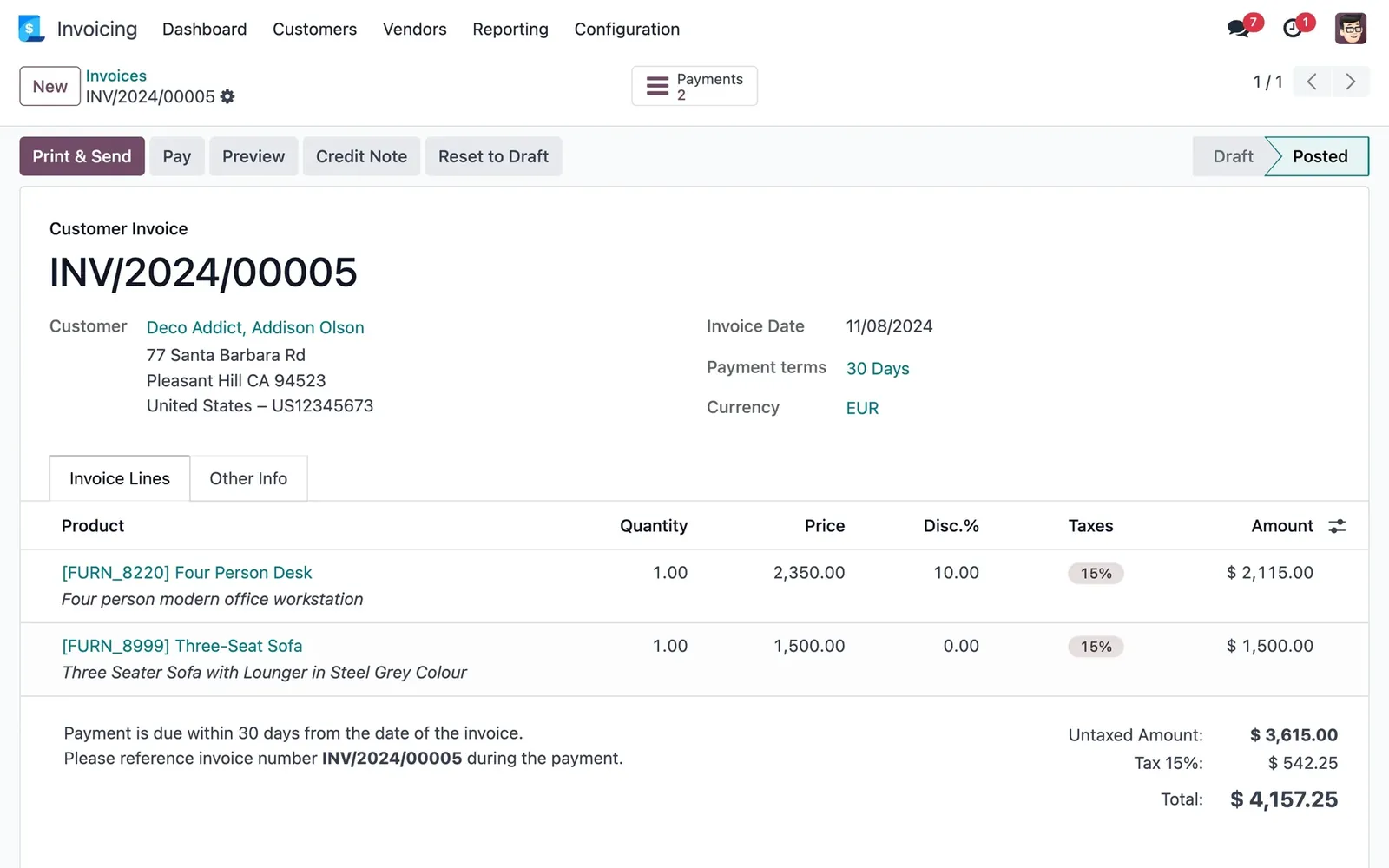
Each branch issues invoices that show its own branch code and address. In practice the head office and each branch keep their own invoice serial numbers under their own authority to print; check the current requirement for your invoices with your RDO. Under the EOPT Act, VAT-registered sellers issue an invoice for every sale, and any converted official receipts may be used until they run out (RR 11-2024). Since RR 6-2026 (in force 16 October 2026), invoices must also show any creditable withholding tax as a separate item. For the full list of what an invoice must show, see EOPT invoice requirements.
| Return | Branch treatment |
|---|---|
| VAT (2550Q) | One consolidated return for the head office and all branches (Tax Code Section 114(A)) |
| Percentage tax (2551Q) | One consolidated return (Section 128) |
| Withholding (1601-EQ, 1604-E and similar) | Separate returns per branch or one consolidated return. Large taxpayers file one consolidated return (BIR Form 1604-E instructions). |
Since the EOPT Act (RR 4-2024) you can file and pay anywhere, whatever the RDO, and the old penalty for filing at the wrong venue is gone.
RMC 98-2026 says the head office and every branch of a covered taxpayer must issue e-invoices by 31 December 2026. The Permit to Issue (PTI) works like this, according to published summaries:
One system across all branches is the simplest path. Read the full BIR e-invoicing guide for who is covered.
Odoo has a branches feature, set up on the parent company's record. According to Odoo's documentation:
Odoo lets branches share the parent's VAT number or have their own, which gives a common or a separate VAT return. Because VAT is filed once for the company, set up the branches so the parent's 2550Q report covers all of them, and check it in a test run before your first quarter-end. Separate legal entities, such as a sister company with its own TIN, are set up as separate companies in the same database instead.
You don't need to hire your own team. A TechNext adviser maps your branches and registrations first, then our team in Taguig City sets up Odoo so each branch invoices on its own and head office sees one set of numbers. See Odoo in the Philippines.
Rules change. This article reflects the Tax Code as amended by the EOPT Act, RR 7-2024, RR 4-2024, RMC 98-2026 and BIR form instructions, as available on 21 October 2026, and Odoo's 19.0 documentation. Branch code formats differ between BIR systems; check yours on your COR. It is not tax advice: confirm with your accountant or RDO before you act.
No. VAT is filed in one consolidated return for the head office and all branches, under Section 114(A) of the Tax Code.
Branches on the same invoicing system share the head office's PTI number. A branch on a different system needs a separate PTI, under RMC 98-2026.
Yes. Each branch can have its own sales journal, and each journal numbers its invoices in its own sequence.
A BIR-registered branch that shares your TIN is a branch in Odoo. A separate legal entity with its own TIN is a separate company in the same database.

About TechNext. TechNext Pte. Ltd. is a trusted expert adviser for ERP and compliance: an Odoo Ready Partner headquartered in Singapore, with its main development and consulting hub in Taguig City, Metro Manila and an AI engineering hub in Ho Chi Minh City. Our own experts implement Odoo end to end (discovery, configuration, data migration, training and support), set up with the Philippine (BIR) and Singapore (GST) localisations, for clients in 25+ countries. We are not affiliated with, accredited by or acting for the BIR or any government agency, and we do not file or register on your behalf. About us · Get a quotation
Who files the BIR SLSP, what goes in it, why files get rejected, and how Odoo exports the DAT files for RELIEF.
CAS vs CBA, the Acknowledgement Certificate, the documents the BIR asks for, and how the e-invoicing PTI fits on top.
Who must issue BIR electronic invoices by 31 December 2026, what a Permit to Issue is, and how to prepare Odoo.
TechNext sets up your Odoo, can build your website and brand on it, and stays on after go-live, in Singapore and the Philippines. An adviser reviews your situation first.